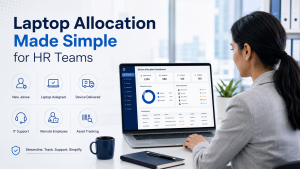
A smooth employee onboarding experience does not start with the offer letter alone. It also depends on whether the employee has the right system, software access, and support ready on time. For HR teams, laptop allocation has become a critical part of onboarding, especially when companies are hiring across cities, managing hybrid teams, or scaling quickly.
However, many organizations still manage devices through scattered emails, manual follow-ups, last-minute purchase approvals, and unclear ownership between HR, IT, admin, and procurement teams. As a result, a simple device handover can turn into a coordination challenge.
The good news is that this process can be made much simpler. With a structured approach and the right rental support, HR teams can reduce delays, improve employee experience, and make laptop deployment more predictable.
Laptop Allocation as a Core Onboarding Responsibility
For HR managers, onboarding is not only about documentation, induction, and policy introductions. It is also about making sure the employee feels ready to work from day one. When a new joinee joins without a laptop, the first impression of the company is affected.
Even if the device is technically handled by the IT or admin team, HR often becomes the central coordinator. The employee follows up with HR. The reporting manager checks with HR. The admin team waits for approvals. The IT team waits for specifications. Therefore, HR becomes responsible for ensuring that all teams move in sync.
This is why laptop allocation should be seen as a planned onboarding workflow, not a last-minute operational task.
The Hidden Cost of an Unclear Laptop Allocation Process
When the laptop allocation process is not defined properly, the impact is wider than most teams realize. A delayed laptop can lead to lost productivity, poor employee experience, and unnecessary internal follow-ups.
For example, if a developer joins without the required configuration, their work may be blocked. Similarly, if a sales employee does not receive a laptop on time, client communication and CRM updates may get delayed. In hybrid or remote teams, the problem becomes even more serious because the employee may not have access to an office or local IT support.
An unclear process can create issues such as:
- Delayed joining-day productivity
- Confusion between HR, IT, admin, and procurement
- Poor tracking of assigned devices
- Last-minute buying pressure
- Extra cost due to urgent purchases
- Difficulty in managing remote employee deliveries
- Gaps during employee exit and asset recovery
Therefore, the process needs to be predictable, documented, and easy to repeat.
Laptop Allocation Planning Before the Joining Date
The simplest way to reduce chaos is to start planning before the employee joins. Once the hiring confirmation is received, HR should capture the basic device requirement along with joining details.
Instead of waiting until the last few days, HR can create a standard device request format. This can include employee name, department, role, joining date, city, reporting manager, required configuration, and work type. As a result, IT and admin teams can act faster.
A clear pre-joining workflow may include:
- HR confirms the joining date and work location
- Reporting manager confirms the role-based device requirement
- IT recommends the required configuration
- Admin or procurement checks availability
- Rental or purchase approval is taken
- Device is arranged, delivered, and recorded before joining
This simple planning step can remove most onboarding delays.
Building a Role-Based Laptop Allocation System
Every employee does not need the same laptop. Therefore, HR and IT teams should create a role-based device allocation system. This avoids confusion and prevents unnecessary over-allocation or under-allocation.
For example, a customer support executive may require a standard laptop with good battery life and stable performance. A developer may need a higher processor, more RAM, and SSD storage. A designer, video editor, or AI engineer may need a high-performance machine with graphics capability.
A role-based approach helps the company maintain consistency. It also makes approvals faster because the device category is already mapped to the job role.
For better planning, companies can define device categories such as:
- Standard laptops for sales, support, and operations teams
- Business laptops for managers and team leads
- High-performance laptops for developers and analysts
- Graphic-powered laptops for designers and editors
- MacBooks for specific development, design, or leadership roles
- Desktops or workstations for office-based heavy computing needs
Because of this structure, laptop allocation becomes less dependent on personal judgment and more aligned with business needs.
Why Buying Devices Often Slows Down the Process
Buying laptops may seem like the default option, but it is not always the fastest or most efficient choice. For growing businesses, device purchase involves approval, vendor comparison, payment processing, stock availability, warranty coordination, and future asset management.
Moreover, buying creates additional challenges when hiring is project-based, temporary, seasonal, or uncertain. If a project ends early, devices may remain idle. If the employee leaves within a few months, the company has to manage storage, reassignment, repair, or resale.
Buying also creates high upfront cost. This can be difficult for startups, scaling companies, and businesses managing multiple hiring cycles. Therefore, companies are increasingly looking at rental-based IT infrastructure to stay flexible.
Rental-Based Laptop Allocation for Growing Teams
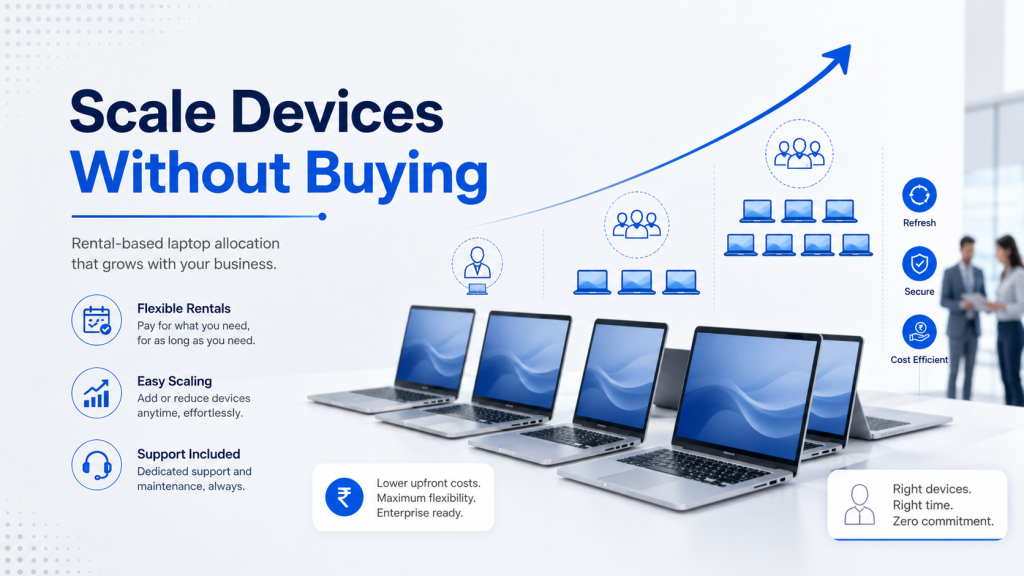
A rental model can make the laptop allocation process much easier for HR, admin, and IT teams. Instead of purchasing devices for every new hire, businesses can rent laptops, MacBooks, desktops, or workstations as per requirement.
This is especially useful when hiring is fast, project duration is uncertain, or employees are located in different cities. With rentals, companies can scale up or scale down without locking large capital into hardware.
The benefits are practical:
- Faster device deployment for new employees
- Lower upfront cost compared to buying
- Flexible rental duration based on project needs
- Easier support and replacement coordination
- Better fit for remote and hybrid employees
- Access to multiple configurations
- Reduced burden on internal admin and IT teams
- Easier planning for short-term teams, training batches, and events
As a result, HR teams can focus more on employee experience instead of chasing device availability.
Laptop Allocation for Remote and Hybrid Employees
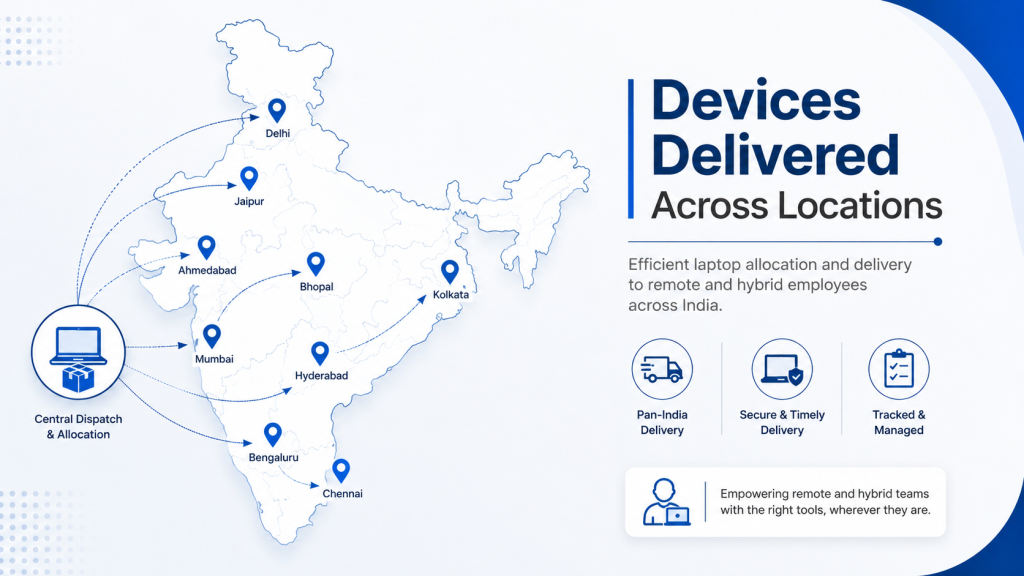
Remote and hybrid work has made device management more complex. Earlier, employees could collect laptops from the office. Now, employees may be joining from Delhi, Bengaluru, Pune, Hyderabad, Mumbai, Chandigarh, or smaller cities.
This creates a new challenge for HR teams. They need to coordinate delivery, documentation, device condition, support, replacement, and return without physically meeting the employee. Therefore, a structured rental partner can help simplify the process.
For remote employees, the allocation workflow should clearly define:
- Delivery address confirmation
- Device configuration approval
- Employee documentation or company approval
- Dispatch timeline
- Support contact
- Replacement process
- Return or pickup responsibility
When these steps are clear, remote onboarding becomes smoother and less stressful.
Device Tracking and Accountability After Allocation
The work does not end after the laptop is delivered. HR, admin, and IT teams should maintain proper asset records. Without tracking, companies may struggle during support requests, audits, upgrades, or employee exits.
A basic tracking system should include:
- Employee name and department
- Device type and configuration
- Serial number or asset ID
- Date of allocation
- Rental or purchase status
- Location of use
- Support history
- Return date
- Final condition at return
This helps businesses maintain accountability. Additionally, it reduces confusion when employees change roles, shift locations, or leave the company.
A Simpler Laptop Allocation Process for HR Teams
A practical laptop allocation process should be simple enough for HR teams to follow repeatedly. It should not depend on long email chains or unclear approvals.
A clean workflow may look like this:
- Hiring confirmation is shared with HR
- HR collects role, location, joining date, and work type
- IT maps the role to a standard device configuration
- Admin checks rental or existing stock availability
- Approval is taken from the reporting manager or finance team
- Device is dispatched or handed over
- Asset details are recorded
- Support process is shared with the employee
- Device is tracked during employment
- Return or replacement is managed when required
This workflow keeps all stakeholders aligned. More importantly, it gives HR teams better control over onboarding timelines.
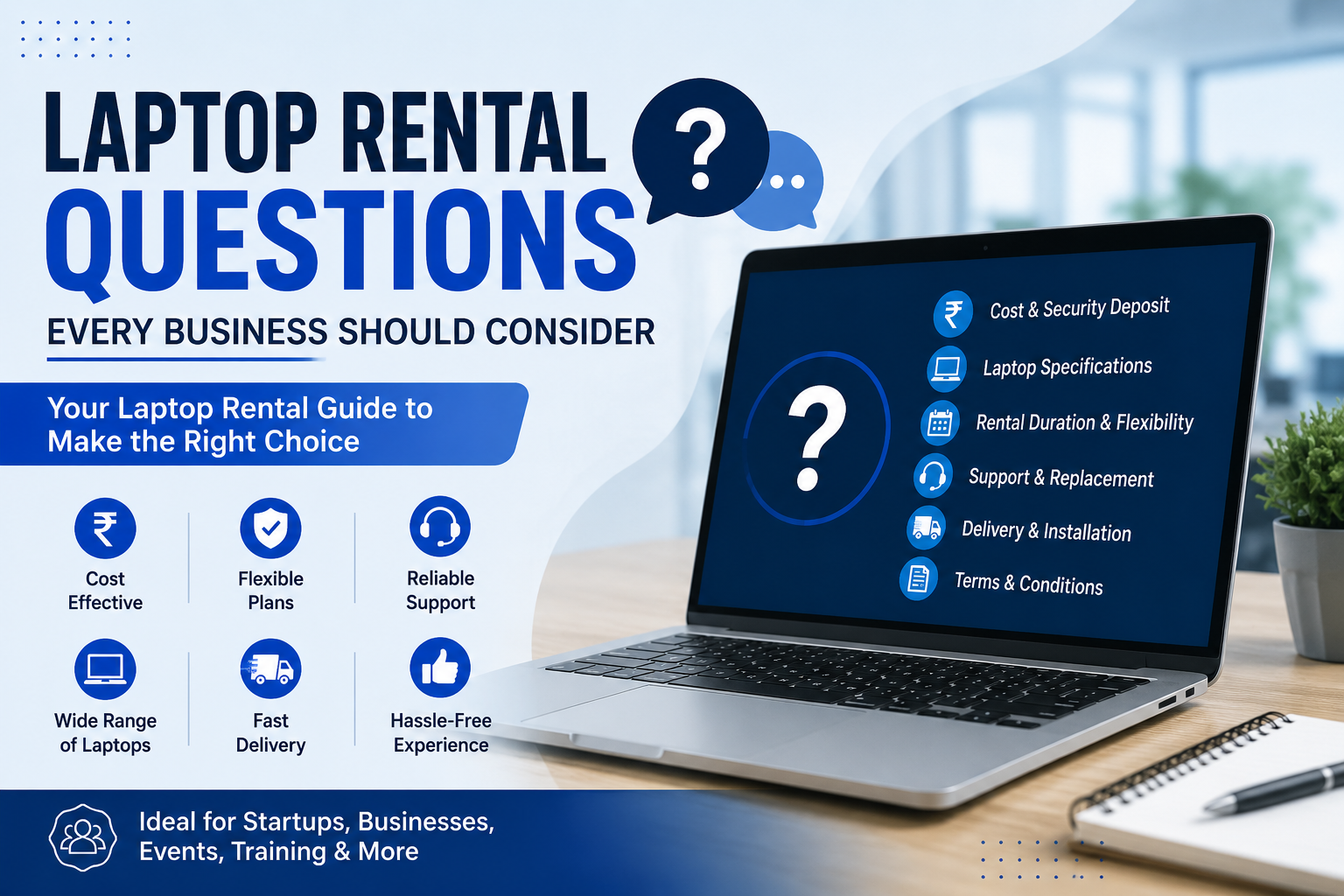
Common Questions Related to Employee Device Planning
What is the best way to manage laptop allocation for new employees?
The best way is to create a standard workflow that starts before the employee joins. HR should collect the joining date, location, department, work profile, and device requirement early. Then IT and admin teams should map the employee to a suitable device category.
For faster onboarding, companies can also use rental laptops, especially when hiring is urgent or spread across multiple locations.
How can HR teams reduce delays in the laptop allocation process?
HR teams can reduce delays by using a predefined request format, maintaining role-based device categories, and coordinating with IT or rental partners in advance. Instead of waiting for the joining week, the device request should be initiated as soon as the joining date is confirmed.
Additionally, maintaining a clear approval flow helps avoid repeated follow-ups.
Is renting laptops better than buying for employee onboarding?
Renting is often better when the requirement is urgent, temporary, project-based, or spread across multiple cities. Buying may be suitable for long-term fixed teams, but rentals provide more flexibility for startups, remote teams, training batches, and fast-growing businesses.
Moreover, rentals reduce upfront cost and simplify support, replacement, and scalability.
Where can companies rent laptops for employee allocation?
Companies can rent laptops, MacBooks, desktops, and workstations from IndiaRENTALZ for employee onboarding, remote teams, project hiring, training setups, and enterprise requirements. IndiaRENTALZ provides flexible rental options, multiple device categories, and PAN India delivery support for businesses that want a simpler way to manage employee IT requirements.
This helps HR, admin, and IT teams arrange devices without heavy upfront purchase cost.
What details should HR collect before assigning a laptop?
HR should collect the employee’s name, department, joining date, work location, reporting manager, job role, required software, and device configuration requirement. In addition, delivery address and approval status should be recorded for remote employees.
This information helps IT and admin teams arrange the right device without repeated clarification.
Creating a More Predictable Allocation Experience
Laptop allocation becomes difficult when every case is handled differently. However, when the company creates a standard process, the same task becomes manageable. HR knows when to raise the request. IT knows what configuration to approve. Admin knows whether to arrange from stock, purchase, or rental. Employees know when to expect the device and whom to contact for support.
Therefore, the goal is not just to arrange laptops. The goal is to create a predictable employee device experience.
For growing companies, this predictability can make onboarding smoother, reduce internal friction, and improve employee confidence from the first day.
Final Thoughts
For HR teams, laptop allocation is no longer a small backend task. It directly affects onboarding, productivity, employee satisfaction, and the company’s professional image. When the process is unclear, HR teams end up managing confusion. But when the workflow is structured, device allocation becomes simple, repeatable, and scalable.
A rental-based approach can further simplify the process by reducing purchase delays, lowering upfront cost, and supporting distributed teams across locations.
With the right planning and the right partner, HR teams can ensure that every new employee starts with the right device, at the right time, without unnecessary chaos.
CTA
Need laptops, MacBooks, or desktops for new joinees, remote employees, or project teams? IndiaRENTALZ helps businesses manage employee device requirements with flexible rental options, scalable configurations, and PAN India delivery support.