Creating 4K content demands more than just creativity. It also requires powerful hardware that can handle heavy timelines, high-resolution footage, complex effects, and long rendering sessions. That is exactly why choosing the best laptops for 4K video editing has become a major decision for creators in 2026.
Whether you are a video editor, filmmaker, YouTuber, or motion graphics designer, performance matters. Lagging timelines, overheating systems, and slow exports can quickly disrupt your workflow. Therefore, investing in the right machine can save both time and effort.
Today’s content creator laptops are designed to balance performance, portability, and thermal efficiency. However, not every high-spec laptop performs well under sustained 4K workloads. Some machines deliver raw power but struggle with heat management, while others maintain stable performance for longer sessions.
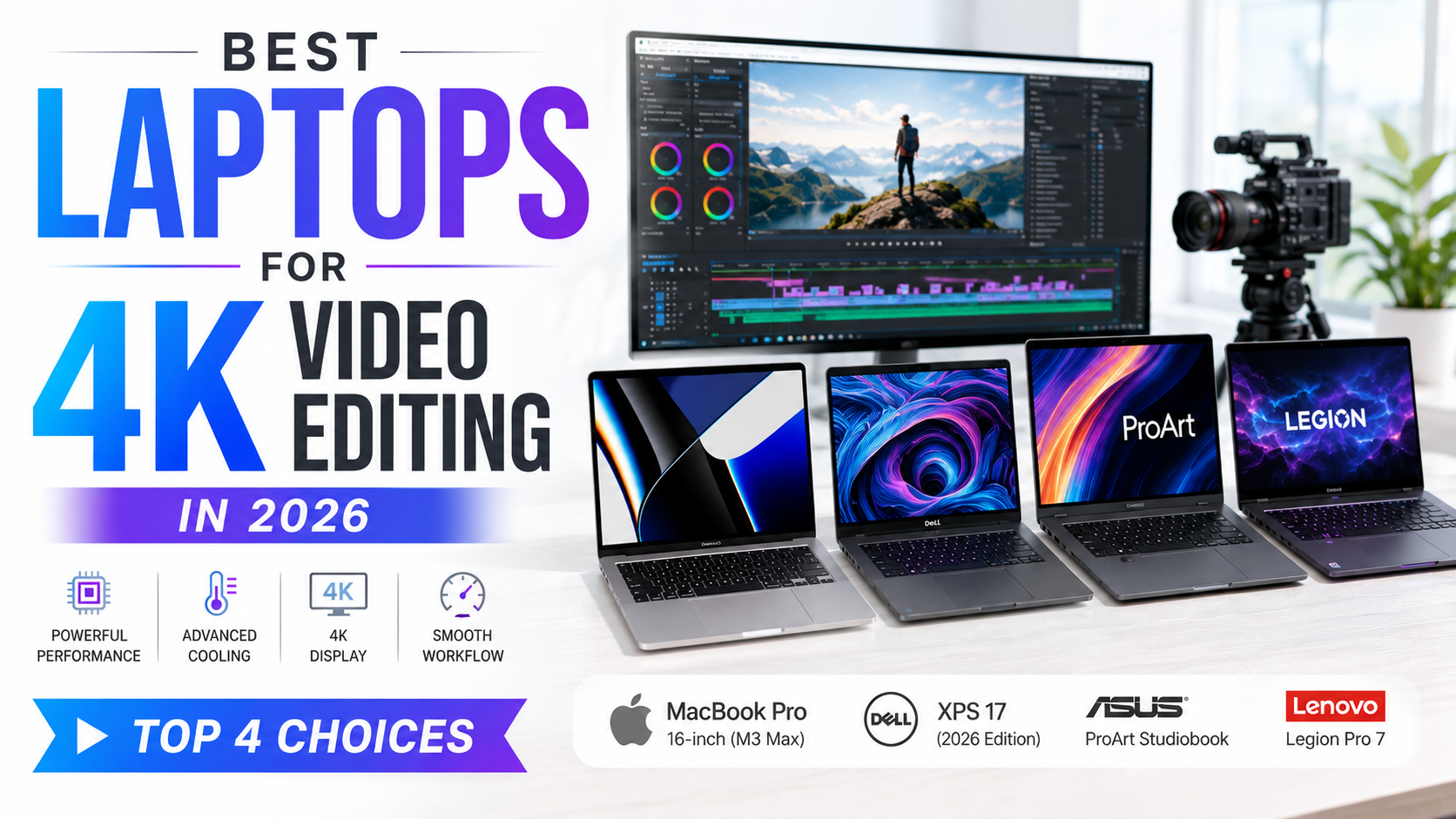
This guide covers four powerful laptops that stand out for 4K editing, especially when thermal performance is a priority.
What Makes the Best Laptops for 4K Video Editing
Before choosing a machine, it helps to understand which specifications truly matter for editing workflows.
For smooth 4K editing, prioritize these specs:
- Powerful CPU (Intel Core i7/i9 or AMD Ryzen 7/9)
- Dedicated GPU (RTX 4060 or above)
- Minimum 16GB RAM (32GB preferred)
- Fast SSD storage
- High-resolution color-accurate display
- Efficient cooling system
Additionally, software like Adobe Premiere Pro, DaVinci Resolve, and Adobe After Effects benefit significantly from strong GPU acceleration and thermal stability.
Without proper cooling, even premium laptops may throttle performance during long editing sessions.
Best Laptops for 4K Video Editing Need Strong Cooling
Performance is important, but sustained performance matters even more.
A laptop may run fast initially, yet overheating can reduce clock speeds within minutes. As a result, exports slow down, playback becomes choppy, and multitasking suffers.
The best laptops for 4K video editing maintain consistent speeds even during heavy workloads. This is where cooling systems, fan design, airflow, and thermal optimization make a huge difference.
For professional creators, thermal efficiency is not optional—it is essential.
1. Apple MacBook Pro 16-inch
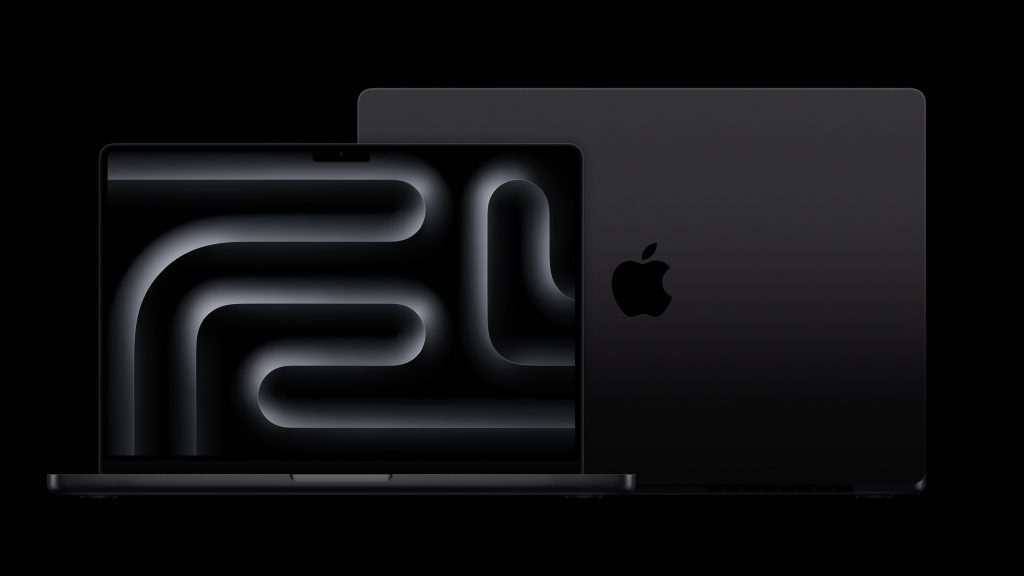
The MacBook Pro remains a top choice for professional editors working with high-resolution footage.
Apple’s M3 Max chip delivers outstanding performance for editing, rendering, and motion graphics. Moreover, thermal management is one of its strongest advantages.
Pros
- Exceptional 4K and even 8K editing performance
- Silent and efficient cooling
- Excellent battery life
- Stunning Liquid Retina XDR display
Cons
- Premium pricing
- Limited upgrade flexibility
This laptop is ideal for creators deeply invested in the Apple ecosystem.
Best Laptops for 4K Video Editing for Windows Users
Windows users often need flexibility, upgrade options, and strong GPU performance.
Fortunately, several premium Windows laptops now compete directly with Apple in performance and thermal efficiency.
2. Dell XPS 17
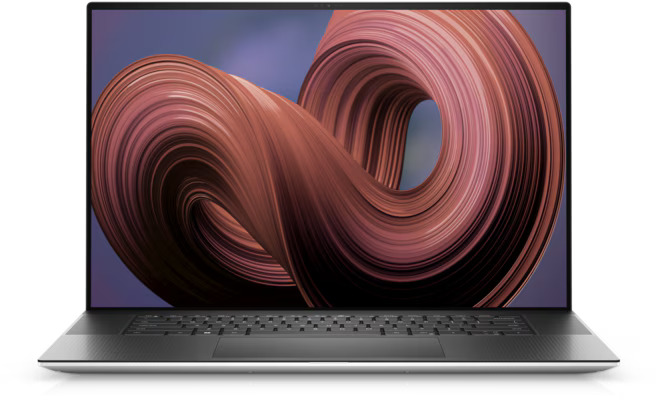
The Dell XPS 17 continues to be a favorite among creators who need portability without sacrificing power.
Its combination of Intel processors and RTX graphics makes it highly capable for demanding editing tasks.
Pros
- Powerful CPU and GPU combination
- Premium build quality
- Large color-accurate display
- Excellent editing performance
Cons
- Expensive configuration upgrades
- Can get warm under extreme load
For creators balancing performance and design, this is a strong choice.
3. ASUS ProArt Studiobook
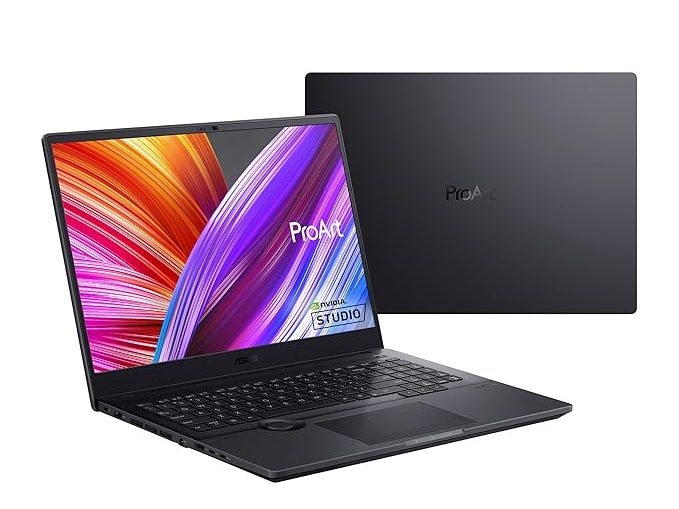
The ProArt lineup is specifically built for creative professionals.
That means every feature—from the display to cooling—focuses on demanding workflows.
Pros
- Built specifically for creators
- Excellent thermals under load
- High-end RTX graphics
- Color-accurate display
Cons
- Slightly bulky
- Premium price point
Among all content creator laptops, this is one of the best for serious production work.
Content Creator Laptops for Heavy Multitasking
Modern creators rarely use one application at a time.
You may edit in Premiere Pro while simultaneously using After Effects, Photoshop, browser tabs, and cloud tools. Therefore, multitasking performance matters significantly.
The best systems maintain speed even with multiple demanding applications running together.
4. Lenovo Legion Pro 7
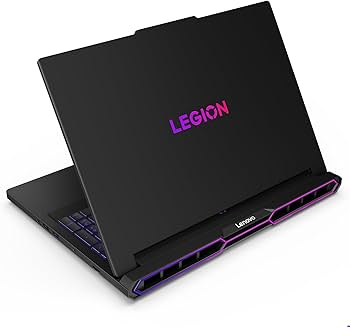
Although marketed as a gaming laptop, the Legion Pro 7 performs exceptionally well for editing workloads.
Its cooling system is particularly impressive during sustained rendering.
Pros
- Powerful RTX GPU options
- Excellent thermal performance
- Strong value for performance
- Great for heavy rendering
Cons
- Gaming design may not suit everyone
- Battery life is average
For creators who want maximum performance without overspending, this is a smart option.
Which Content Creator Laptops Offer the Best Value
The right laptop depends heavily on your workflow.
Choose based on your needs:
- For Apple users: MacBook Pro 16
- For premium Windows experience: Dell XPS 17
- For professional studios: ASUS ProArt
- For best value performance: Lenovo Legion Pro 7
Each of these options ranks among the best laptops for 4K video editing because they deliver strong performance without major thermal issues.
Common Queries for Buyers
Are gaming laptops good for 4K video editing?
Yes, many gaming laptops perform exceptionally well for editing because they include powerful GPUs, fast processors, and advanced cooling systems. In fact, laptops like the Lenovo Legion series are popular among creators.
How much RAM is required for the best laptops for 4K video editing?
For basic 4K editing, 16GB RAM is acceptable. However, 32GB is recommended for smoother performance, especially when handling effects, motion graphics, and multitasking.
Which processor is best for 4K editing?
Intel Core i9, AMD Ryzen 9, and Apple M-series chips are currently among the best options. The ideal choice depends on your preferred editing software and ecosystem.
Is renting content creator laptops a smart option?
Yes, renting is an excellent option for short-term projects, agency work, freelance assignments, or production requirements.
Instead of investing heavily upfront, you can access premium content creator laptops with lower initial costs. This is especially useful when handling temporary workloads or client projects requiring high-performance machines.
Where can you rent the best laptops for 4K video editing?
If you need powerful editing laptops on rent, IndiaRENTALZ is a reliable option for businesses, creators, agencies, and production teams.
They offer flexible rental plans for high-performance laptops suitable for video editing, content creation, rendering, and professional workloads.
Final Thoughts
Choosing the best laptops for 4K video editing is about more than raw specifications. It is about finding a machine that delivers consistent performance under demanding workloads.
A laptop with strong thermal management will help you edit longer, render faster, and work more efficiently.
Whether you buy or rent, investing in the right system ensures smoother workflows and better productivity. Ultimately, the right laptop should support your creativity—not slow it down.