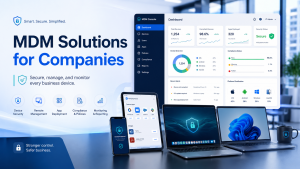
As businesses depend more on laptops, MacBooks, smartphones, and remote work devices, MDM solutions for companies have become a practical way to keep every device secure, organized, and easy to manage. Employees now access company data from offices, homes, client locations, and shared networks, which makes device control an important part of daily business operations.
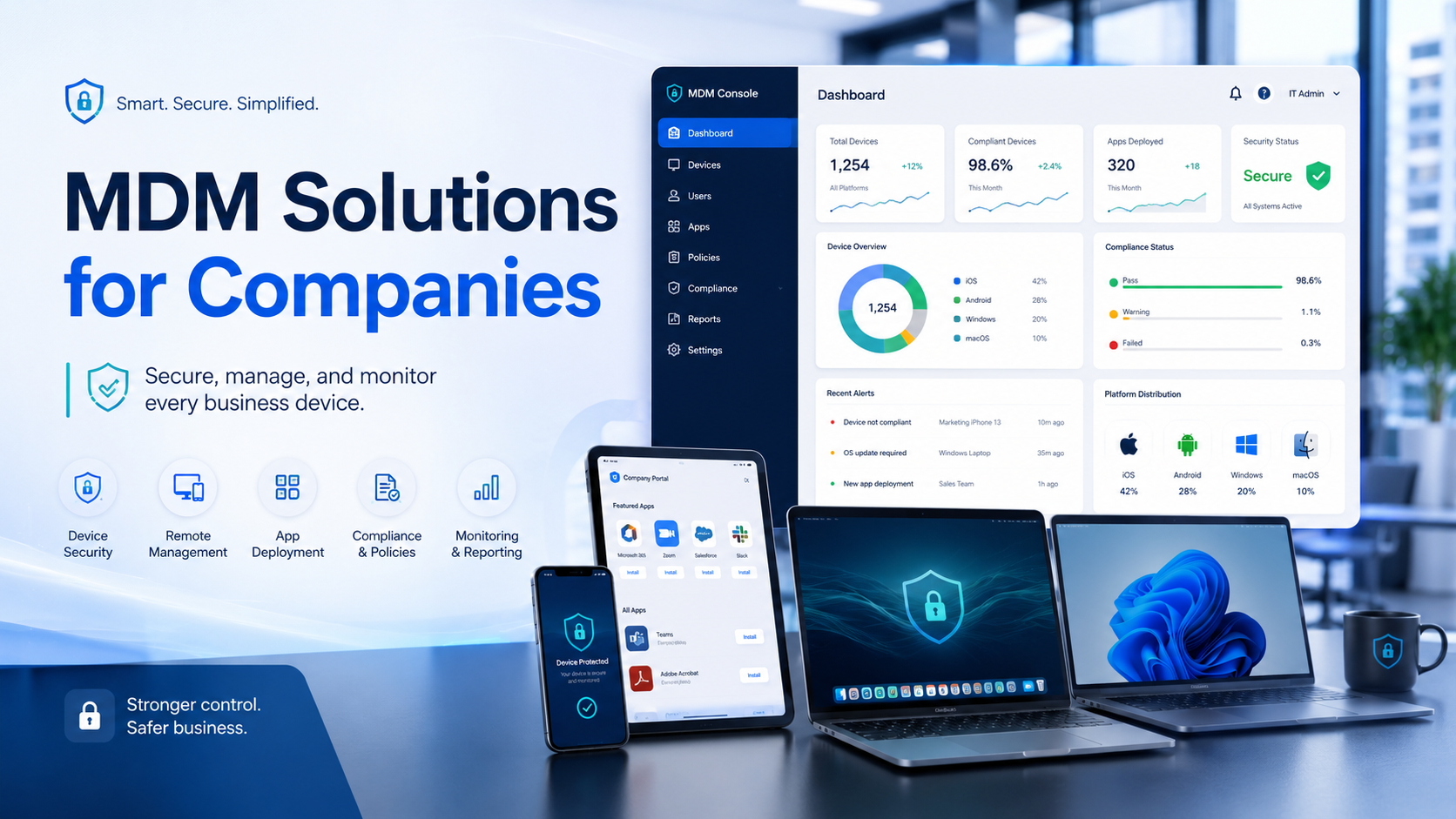
MDM, or Mobile Device Management, gives IT teams a central system to manage business devices. Through MDM software, companies can apply security policies, install required apps, restrict unsafe activity, monitor compliance, and protect sensitive data.
In 2026, businesses need structured device management because even one unmanaged device can create risks such as data leaks, unauthorized access, delayed updates, and productivity issues. Therefore, MDM is useful for business owners, IT managers, HR teams, and operations teams that manage employee devices across different locations.
The Shift Toward Managed Work Devices
Companies now operate in a more device-driven environment. Earlier, most employees worked from fixed office systems. Today, teams use portable devices across offices, homes, client locations, coworking spaces, and travel environments.
Because of this shift, companies need more visibility over how devices are used. A laptop may contain client files. A smartphone may have access to company email. A MacBook may store design assets, login credentials, or confidential documents. Therefore, even one unmanaged device can create a serious business risk.
MDM software helps solve this problem by giving IT teams centralized control. Instead of setting up and checking every device manually, teams can manage security settings, apps, access rules, and updates remotely. As a result, businesses can reduce risk while improving operational efficiency.
How MDM Solutions for Companies Work
MDM solutions for companies work by connecting employee devices to a central management platform. Once a device is enrolled, the IT team can monitor and manage it based on company policies.
The process usually includes:
- Device registration
- User assignment
- Security policy setup
- App installation
- Access control
- Software updates
- Remote monitoring
- Lock or wipe options
For example, when a new employee joins, the company can provide a laptop with required apps, email access, password rules, and security settings already configured. Similarly, when an employee leaves, the IT team can remove access and wipe business data from the device.
This creates a smoother device lifecycle from onboarding to return, replacement, or reassignment.
Centralized Security for Business Data
Data security is one of the strongest reasons companies use MDM. Work devices often contain sensitive information, including customer records, internal reports, contracts, financial data, and business communication.
Without proper control, employees may use weak passwords, install unsafe apps, connect to unsecured networks, or store files in personal folders. Consequently, company data becomes more vulnerable.
MDM software helps reduce these risks by enforcing security rules across devices. IT teams can require strong passwords, enable encryption, restrict file sharing, and block unauthorized apps. Additionally, they can remotely lock or wipe devices if they are lost, stolen, or misused.
This becomes especially important for businesses that handle confidential client data or operate in sectors like IT, finance, healthcare, education, consulting, real estate, and BPO services.
MDM Solutions for Companies with Remote Teams
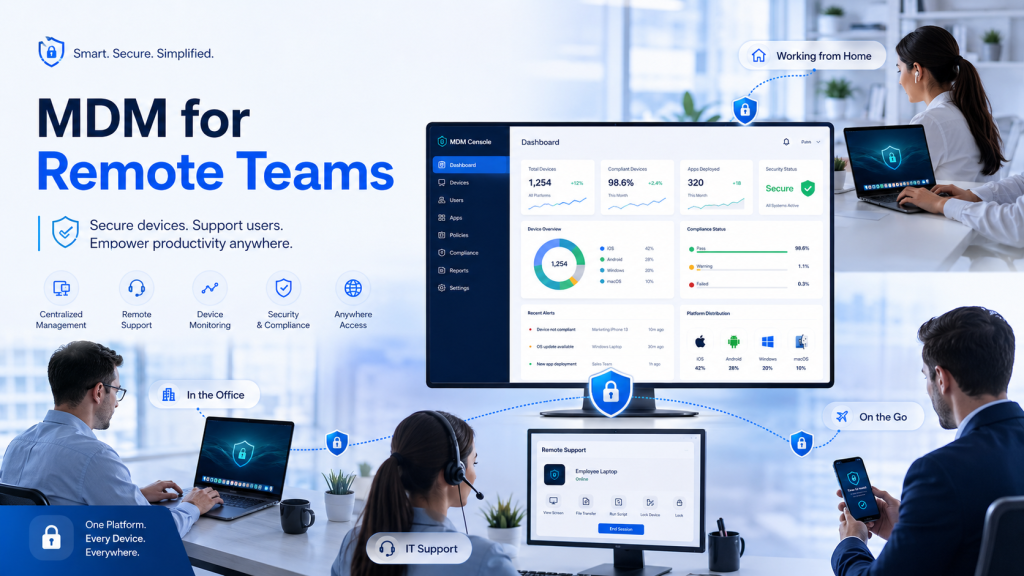
Remote and hybrid work have made device management more complex. Employees may access company systems from home networks, public Wi-Fi, or shared workspaces. Although this improves flexibility, it also increases exposure to cybersecurity risks.
MDM solutions for companies help remote teams work safely by applying consistent security policies, no matter where employees are located. For instance, IT teams can control which apps employees use, ensure devices stay updated, and limit access from non-compliant devices.
Moreover, MDM supports quick troubleshooting. If an employee faces an app or access issue, IT teams can often resolve it remotely. Therefore, employees do not always need to bring devices back to the office for basic configuration or support.
As a result, companies can support flexible work without losing control over business devices.
Better Control Over Applications and Software
Every business uses different software depending on its operations. Sales teams may need CRM tools. Finance teams may need accounting software. Designers may need editing tools. Customer support teams may need ticketing platforms.
However, uncontrolled app installation can create security and performance issues. Employees may download unapproved tools, outdated software, or apps that expose company data.
MDM software helps companies manage this more effectively. IT teams can allow approved applications, block risky apps, and push updates when needed. In addition, they can remove unnecessary software to keep devices clean and work-focused.
This improves security and also creates a more consistent experience for employees. Since devices follow the same standards, teams face fewer setup issues and fewer software-related delays.
Faster Onboarding for Employees and Teams
Employee onboarding can become time-consuming when companies manage devices manually. A new joiner may need a laptop, email access, business applications, security settings, shared drive access, and communication tools.
Without automation, IT and HR teams often spend extra time preparing devices. Meanwhile, the employee may wait before starting productive work.
With MDM, companies can streamline this process. IT teams can pre-configure devices with required apps, user permissions, and security rules. Therefore, new employees can start work faster and with fewer technical issues.
Similarly, when teams scale quickly for a project, training program, event, or temporary requirement, managed devices help companies move faster. This is especially useful for businesses that frequently hire, rotate, or deploy teams across locations.
MDM Solutions for Companies Using Laptops and MacBooks
Many organizations now prefer laptops and MacBooks because they support flexible work, mobility, and higher productivity. However, portable devices also need stronger management because they move outside office premises more often.
MDM solutions for companies make laptop and MacBook management more secure and structured. IT teams can assign devices to users, apply policies, manage updates, and remove data after return or reassignment.
For MacBooks, MDM can help manage app permissions, system updates, device restrictions, and user access. For Windows laptops, it can support password rules, device compliance, approved apps, and security settings.
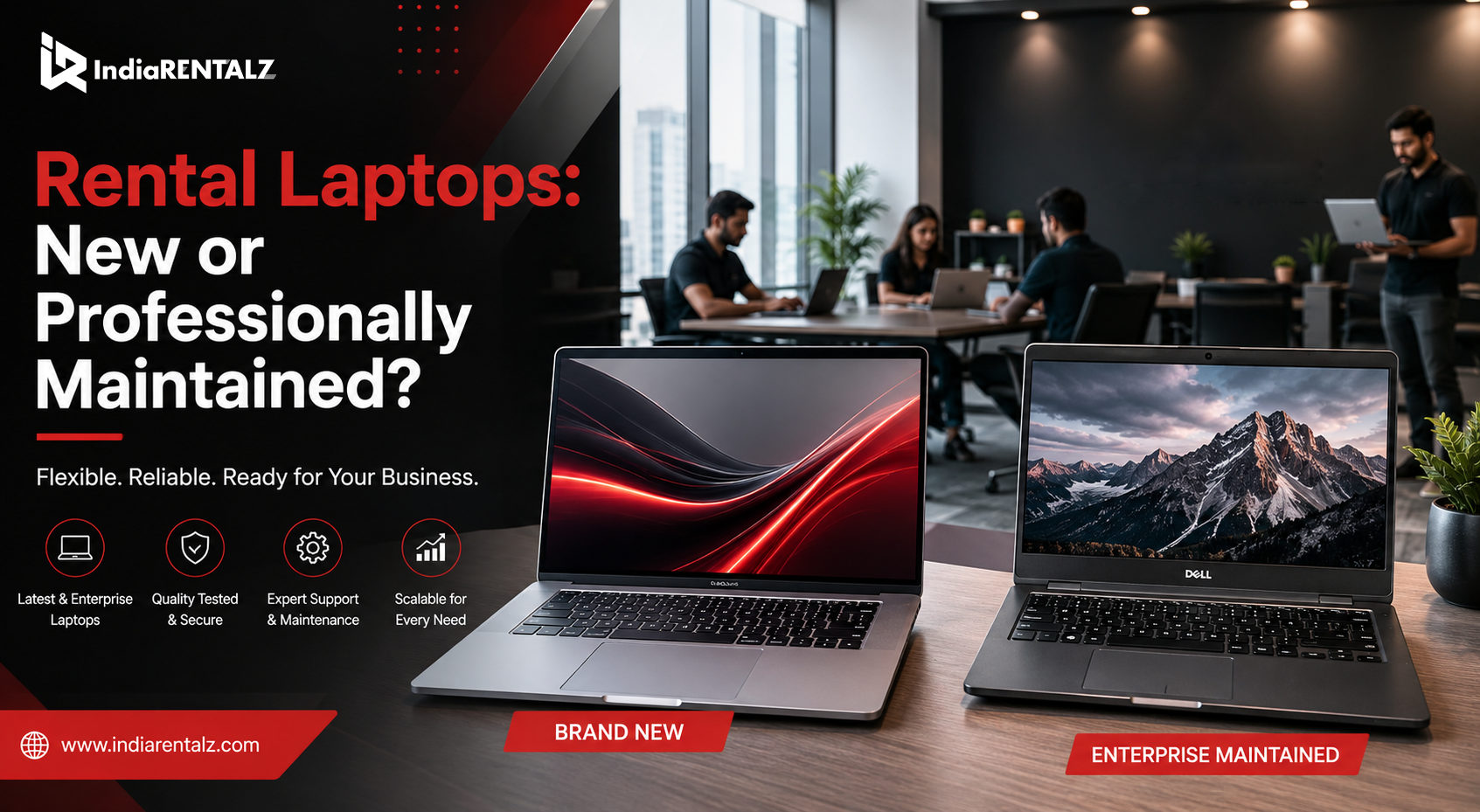
Additionally, companies that rent laptops or MacBooks can benefit from MDM because devices may be used for short-term projects, remote teams, or temporary employees. A managed setup ensures that every device remains secure during use and clean after return.
Managed Devices Compared with Unmanaged Devices
Managed devices give companies visibility and control. Unmanaged devices create uncertainty.
With managed devices, IT teams can check compliance, install apps, apply updates, and take action if a security issue appears. They can also remove access when an employee leaves or when a project ends.
On the other hand, unmanaged devices depend heavily on user behavior. Some employees may update devices regularly, while others may ignore updates. Some may follow security rules, while others may use weak passwords or unauthorized apps.
The main advantages of managed devices include:
- Better control over company data
- Faster response during device loss
- Easier software deployment
- Stronger security compliance
- Lower manual IT workload
- More consistent employee setup
However, companies should also communicate device policies clearly. Employees should know which data is managed, what is monitored, and how company security rules apply. This builds transparency and avoids confusion.
Business Value Beyond Cybersecurity
Although MDM is often discussed as a security solution, its value goes beyond cybersecurity. It also improves business operations, IT efficiency, employee productivity, and asset management.
For example, IT teams can save time by managing devices remotely. HR teams can onboard employees faster. Operations teams can track device allocation more clearly. Business owners can reduce risk while supporting growth.
Moreover, MDM helps companies standardize their device environment. When every device follows the same setup and security policy, businesses reduce technical variation. This leads to fewer errors, faster support, and better device reliability.
Therefore, MDM should not be seen only as a defensive tool. Instead, it should be viewed as a system that helps businesses run more securely and efficiently.
Choosing the Right MDM Software
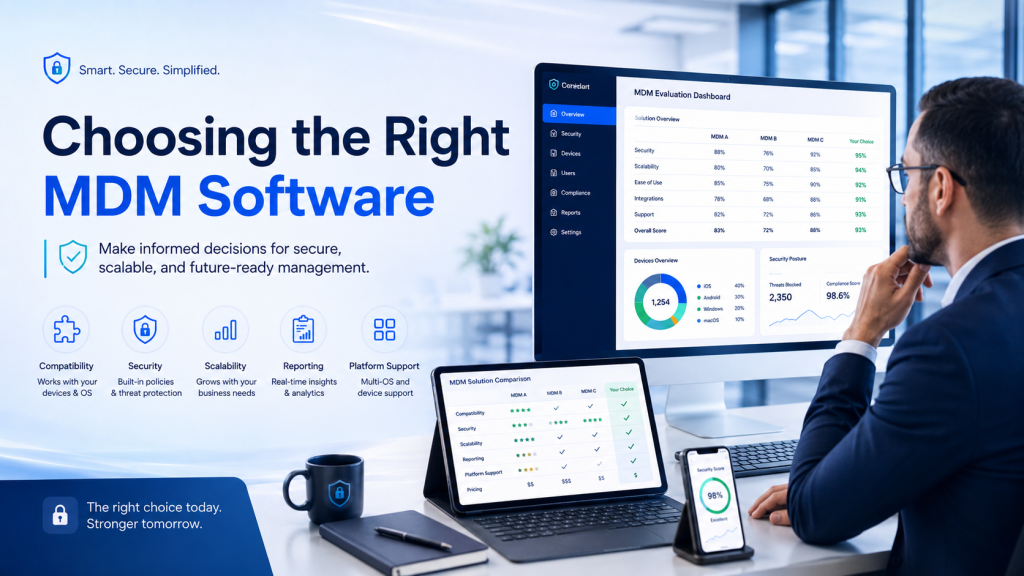
The right MDM software depends on the company’s size, device types, work model, and security needs. A small business with 20 laptops may need a simpler setup, while a large enterprise with multiple locations may need advanced reporting, compliance, and automation features.
Before choosing a solution, companies should evaluate:
- Number of devices
- Windows, macOS, Android, or iOS requirements
- Remote work policies
- App control needs
- Data security standards
- Employee onboarding process
- IT team capacity
- Compliance requirements
- Device rental or replacement plans
Additionally, businesses should choose a platform that is easy to manage. If the system is too complex, teams may struggle to use it properly. Therefore, the best approach is to select an MDM setup that matches current needs while still supporting future growth.
Common Questions and Related Queries
What are MDM solutions for companies?
MDM solutions for companies are systems that help businesses manage, secure, and control employee devices such as laptops, MacBooks, smartphones, and tablets. They allow IT teams to apply security rules, install apps, manage access, and protect company data remotely.
How does MDM software protect business devices?
MDM software protects business devices by enforcing password rules, controlling apps, enabling encryption, managing updates, and allowing remote lock or wipe actions. As a result, companies can reduce the chances of data leaks, unauthorized access, and unsafe device usage.
Is MDM useful for small and medium businesses?
Yes, MDM is useful for small and medium businesses because even smaller teams use multiple devices for daily work. Moreover, small businesses may not have large IT departments, so centralized device management helps save time and improve security.
Can MDM help companies manage remote employees?
Yes, MDM helps companies manage remote employees by applying the same security policies across all enrolled devices. It also allows IT teams to support devices remotely, control apps, and make sure employees access company data from secure systems.
Where can companies rent secure laptops and MacBooks?
Companies can rent secure laptops and MacBooks from IndiaRentalz for business use, remote teams, temporary projects, training programs, and corporate requirements. IndiaRentalz provides business-ready rental devices with professional support, helping companies scale their IT setup without heavy upfront investment.
Does MDM work for both laptops and mobile devices?
Yes, MDM can work for laptops, MacBooks, smartphones, and tablets, depending on the software and device operating system. Many modern businesses use MDM to manage mixed device environments across Windows, macOS, Android, and iOS.
Why should companies consider MDM in 2026?
Companies should consider MDM in 2026 because work devices now operate across multiple locations, networks, and users. As a result, businesses need better control, stronger security, faster onboarding, and reliable device management to support modern work.
A Smarter Way to Manage Work Devices
Modern businesses cannot depend only on manual device management. As teams grow and work becomes more flexible, companies need systems that help them protect data, manage apps, support employees, and control devices from one place.
MDM solutions for companies provide that structure. They help IT teams secure laptops, MacBooks, smartphones, and tablets while reducing manual work. Moreover, they support remote teams, improve onboarding, and make device management more reliable.
For business owners, IT managers, HR teams, and operations teams, MDM is a practical investment in security and efficiency. It helps companies stay prepared for changing work models, rising cyber risks, and growing device needs.
In 2026, businesses that manage their devices properly will be better positioned to work securely, scale faster, and protect the information that keeps their operations running.