Video editing has become more demanding than ever. From 4K multi-camera timelines to cinematic color grading and complex motion graphics, editors today require machines that deliver consistent performance under pressure. Therefore, when evaluating MacBook vs Windows Laptop for Video Editing, the focus should not be on brand loyalty but on workflow alignment, performance requirements, and rental flexibility.
This guide explains how both platforms perform in real-world editing scenarios and how creators, freelancers, and enterprise teams can make a smarter rental decision.
Understanding Modern Editing Demands
Before comparing systems, it is important to understand what video editing truly requires. High-resolution footage increases CPU load, layered timelines stress RAM capacity, and visual effects demand GPU acceleration. Additionally, rendering speeds and export efficiency influence delivery timelines.
Because of this, choosing between MacBook vs Windows Laptop for Video Editing should begin with answering three questions:
• Which software do you use daily?
• How heavy are your effects and transitions?
• Is portability more important than raw GPU power?
Once these factors are clear, the comparison becomes more practical.
MacBook Performance for Video Editing Workflows

MacBook systems are known for hardware and software integration. Apple Silicon processors are designed for efficient performance, and as a result, editing applications like Final Cut Pro perform smoothly even with large media files.
Key Advantages
• Optimized performance for Final Cut Pro
• Efficient ProRes encoding
• Strong battery life for on-site shoots
• Quiet thermal management
• Reliable color consistency
For YouTubers, wedding editors, and media students who prioritize portability and stable exports, MacBooks offer a refined editing experience. Furthermore, editors working on location often appreciate the battery efficiency during long shoots.
However, customization options are limited. GPU flexibility is not as extensive as RTX-based Windows systems, and internal upgrades are not possible after purchase or rental configuration.
Windows Laptop Power and GPU Flexibility
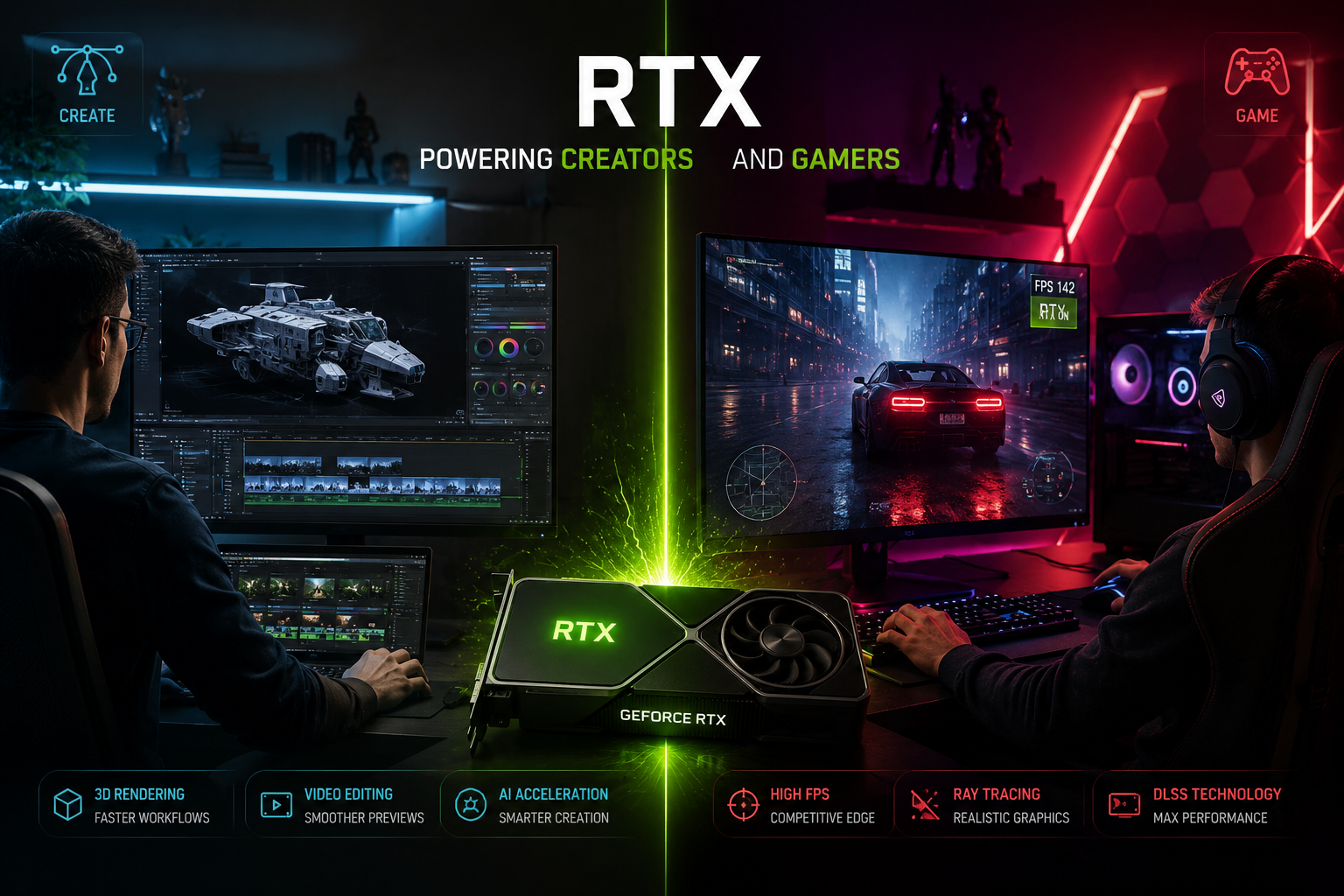
Windows laptops provide a wide range of hardware configurations, particularly with dedicated NVIDIA RTX GPUs. Because many editing and 3D applications rely on CUDA acceleration, Windows systems often deliver stronger rendering output for complex projects.
Core Strengths
• Dedicated RTX 4060, 4070, 4080, or higher GPUs
• Better GPU acceleration for Adobe Premiere Pro and After Effects
• Ideal for Blender, Unreal Engine, and 3D workflows
• More RAM expansion flexibility
• Wider performance-to-price range
Production houses, animation studios, and architectural visualization firms often choose Windows systems for their GPU-intensive workloads. Although battery life may not match MacBooks in all cases, the rendering advantage in VFX-heavy projects is significant.
MacBook vs Windows Laptop for Video Editing in 4K Projects
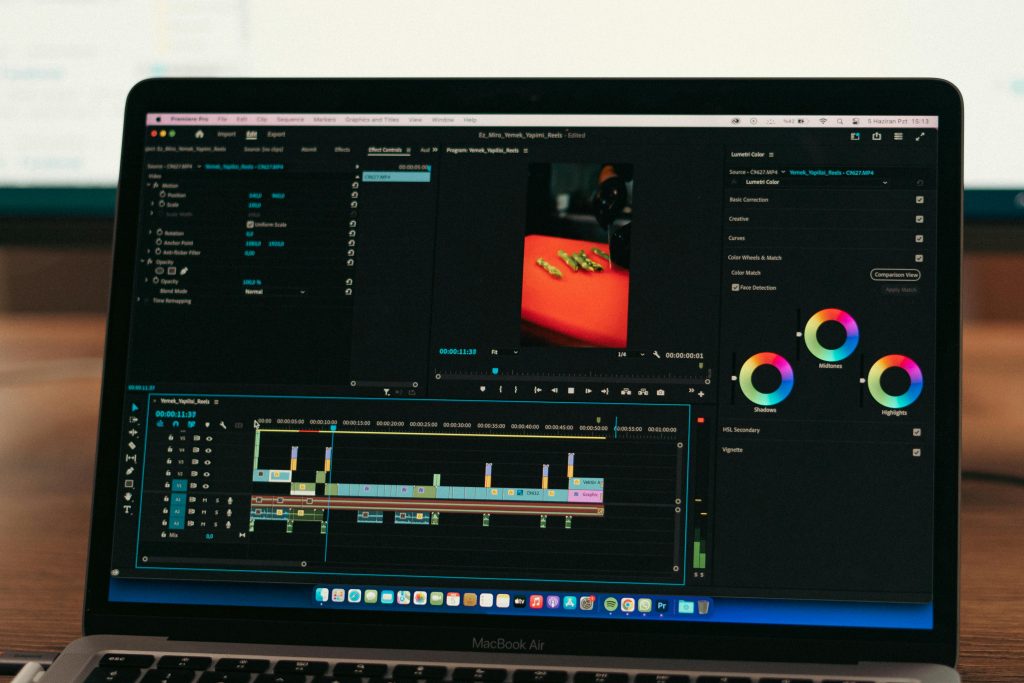
When handling 4K editing, both platforms perform effectively under the right configuration. However, the intensity of your timeline determines the better choice.
For lightweight 4K YouTube content, both MacBook and Windows laptops perform reliably.
For multi-layered 4K projects with heavy effects, RTX-based Windows laptops may provide smoother previews.
For ProRes-heavy workflows, MacBooks often export efficiently due to system optimization.
Therefore, the MacBook vs Windows Laptop for Video Editing comparison depends more on workload complexity than on operating system preference.
MacBook or Windows Laptop for Video Editing in Enterprise Environments
Enterprise and professional teams evaluate hardware differently. Production houses, OTT platforms, and ad agencies must consider:
• Uniform performance across multiple editors
• Easy scalability during large projects
• Fast replacement in case of downtime
• Budget optimization for short-term campaigns
If a team works primarily within Final Cut Pro, MacBook standardization may improve collaboration. Conversely, if Adobe Creative Cloud forms the backbone of production, Windows RTX systems may align better with GPU-accelerated workflows.
Therefore, deciding between MacBook or Windows Laptop for Video Editing in enterprise scenarios involves balancing software ecosystem consistency and GPU scalability.
Rental Perspective: Flexibility Over Ownership
Buying high-end editing hardware locks capital into depreciating assets. In contrast, renting allows creators and enterprises to adapt hardware to project needs.
Rental advantages include:
• Upgrading configuration for demanding projects
• Scaling devices for temporary teams
• Avoiding long-term depreciation
• Testing MacBook vs Windows Laptop for Video Editing before committing
For freelance editors and YouTubers, renting prevents over-investment in equipment that may not be required year-round. For enterprise teams, it simplifies project-based expansion.
Performance Comparison Based on Software
Software choice often resolves the debate faster than specifications.
Final Cut Pro workflows favor MacBook optimization.
Adobe Premiere Pro and After Effects benefit from RTX GPU acceleration.
DaVinci Resolve performs well on both platforms, though GPU strength heavily influences performance.
Blender and Unreal Engine workflows generally favor high-VRAM Windows RTX systems.
Thus, workflow alignment should guide the MacBook vs Windows Laptop for Video Editing decision.
Choosing the Right System Based on User Type
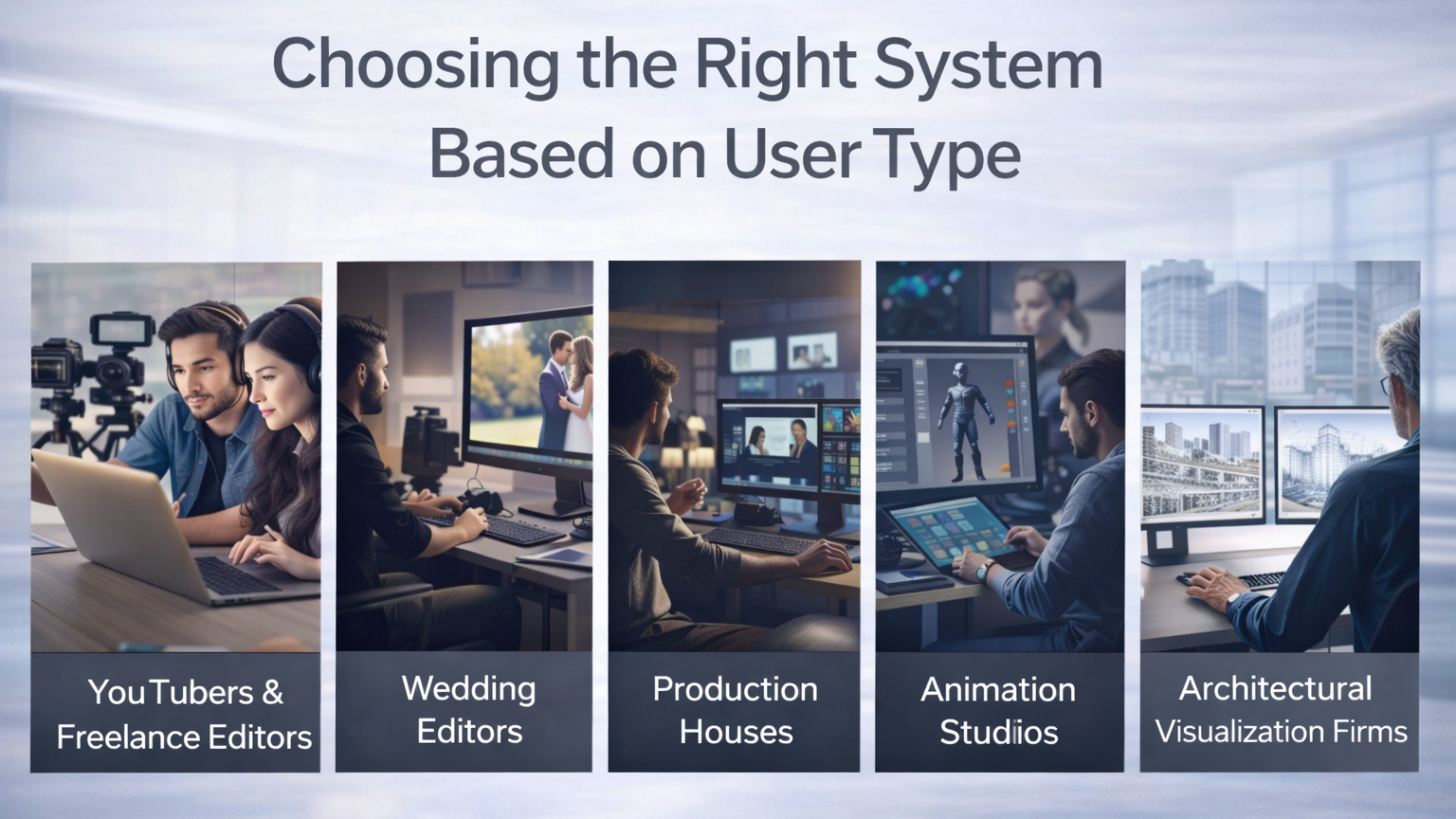
YouTubers and freelance editors often prioritize portability and export reliability.
Wedding editors need stable performance and long battery life during event shoots.
Production houses require consistent GPU output across multiple systems.
Animation studios depend heavily on dedicated graphics acceleration.
Architectural visualization firms focus on rendering power and VRAM capacity.
Therefore, identifying your editing intensity helps narrow the selection quickly.
Related Queries and Practical Considerations
Is MacBook better than Windows for video editing?
MacBook performs exceptionally well for Final Cut Pro and ProRes workflows due to hardware optimization. However, Windows laptops with RTX GPUs may deliver stronger performance for Adobe and 3D-heavy tasks.
Which system is more powerful in MacBook vs Windows Laptop for Video Editing?
Power depends on configuration rather than brand. A high-end RTX Windows laptop can outperform many systems in GPU-intensive rendering, while Apple Silicon models offer efficient CPU-based encoding and thermal stability.
Is renting a laptop for editing a smart option?
Yes, renting provides flexibility, reduces capital lock-in, and allows upgrades according to project scale. It is particularly useful for short-term projects or growing teams.
Where can professionals rent MacBook or Windows Laptop for Video Editing?
Professional editors and enterprise teams can rent high-performance MacBooks and RTX-based Windows laptops from providers such as IndiaRENTALZ, which offers flexible short-term and enterprise-scale rental solutions tailored to video production workflows.
Final Perspective
The comparison between MacBook vs Windows Laptop for Video Editing does not present a single winner. Instead, it highlights two distinct strengths. MacBooks emphasize integration, efficiency, and portability, while Windows laptops provide GPU flexibility and rendering power.
Therefore, your final decision should align with:
• Editing software
• Rendering intensity
• Portability requirements
• Project duration
• Budget structure
When renting, flexibility becomes the biggest advantage. You can scale performance, adapt to project demands, and optimize workflow without long-term ownership constraints. Ultimately, the right choice supports productivity and ensures smoother delivery timelines.