Laptops have become silent partners in our professional lives. From emails and meetings to analysis and presentations, most workdays revolve around a single device. However, when small technical issues begin to pile up, productivity drops faster than expected. Understanding Common Laptop Problems early helps prevent disruption, frustration, and unnecessary downtime.
For many users, these issues are not dramatic failures but gradual declines—slower response times, heating, battery wear, or unstable connections. This guide explores the most frequent challenges professionals face, explains why they happen, and shows practical ways to fix laptop issues before they interfere with work. Along the way, it also examines whether using a personal laptop, a company-issued system, or a rental device changes the experience.
Common Laptop Problems Linked to Gradual Performance Decline
A noticeable slowdown is often the first sign that something is off. Applications take longer to open, browsers struggle with multiple tabs, and even basic tasks feel delayed.
These Common Laptop Problems usually develop over time due to background processes, limited memory, outdated storage, or prolonged use without optimization. While the system may still function, efficiency quietly drops.
Ways to fix laptop issues related to performance include:
- Limiting unnecessary startup programs
- Keeping operating systems and core software updated
- Clearing temporary files and unused applications
- Upgrading RAM or storage when possible
Personal laptops tend to face this earlier due to inconsistent maintenance, whereas employee-issued or rental laptops are often optimized at regular intervals.
Heat Buildup as One of the Most Overlooked Common Laptop Problems
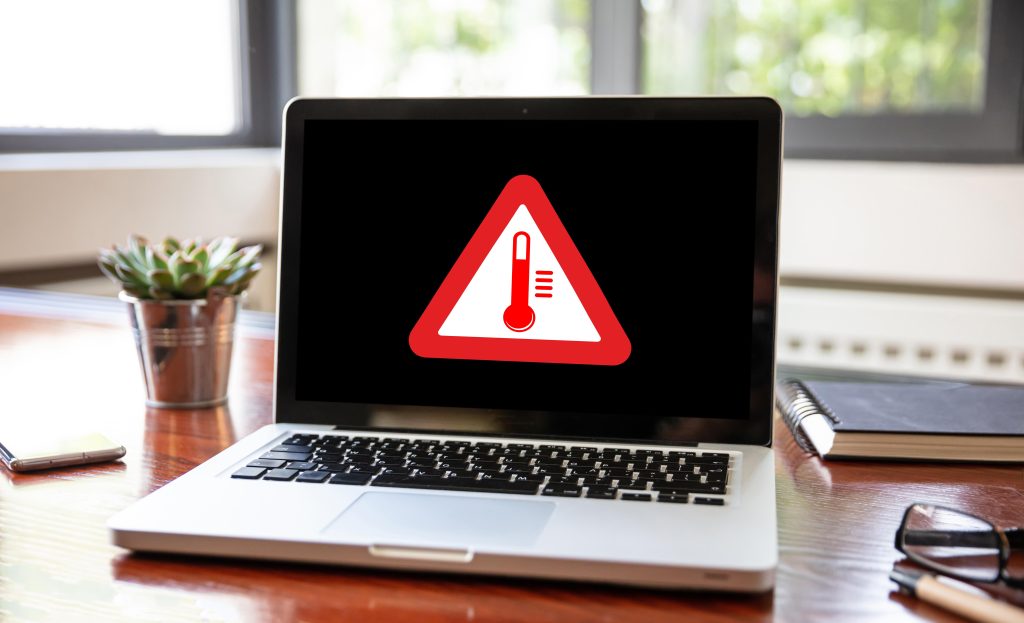
Overheating rarely announces itself immediately. Instead, it shows up as noisy fans, warm surfaces, or sudden slowdowns under load.
Among Laptop Problems, heat buildup is especially damaging because it affects both performance and hardware lifespan. Dust, blocked vents, and constant high workloads are common contributors.
To fix laptop issues caused by overheating:
- Use laptops on flat, ventilated surfaces
- Clean vents and fans periodically
- Avoid running heavy applications continuously on low-spec systems
- Keep firmware and drivers updated
Rental laptops typically undergo preventive cleaning and checks, reducing long-term heat damage compared to unmanaged personal devices.
Battery Degradation as a Persistent Common Laptop Problem
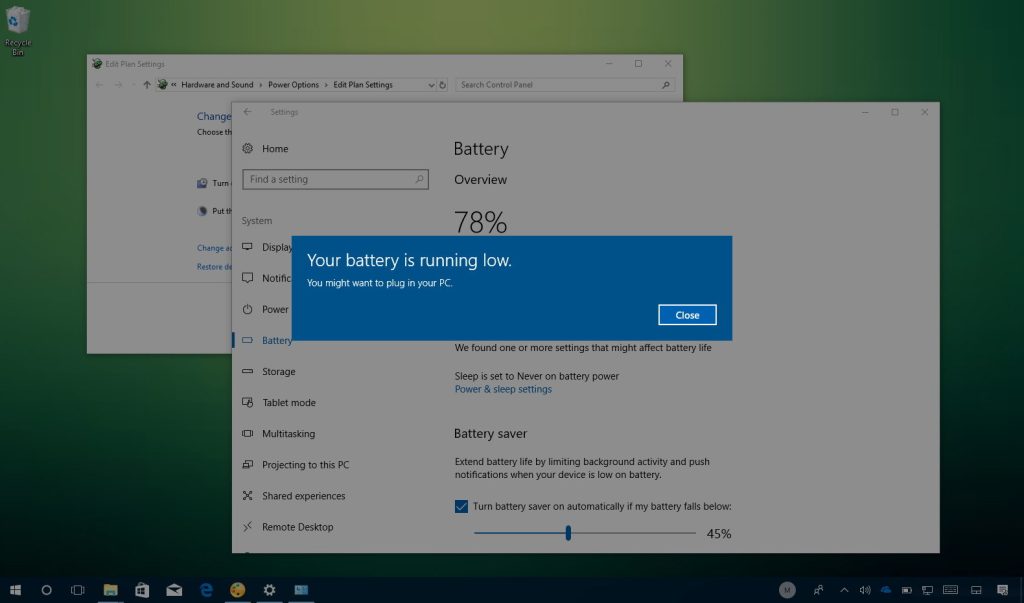
Battery performance declines naturally, yet many users notice it only when mobility becomes limited. Short battery life, unexpected shutdowns, or inaccurate charge levels are all familiar signs.
These laptop problems are influenced by charging habits, workload intensity, and battery age. Employees relying on older personal laptops often compensate by staying plugged in, which further degrades battery health.
To fix laptop issues related to batteries:
- Avoid constant full-charge cycles
- Use power-saving modes during lighter tasks
- Replace batteries once health drops significantly
Company-issued and rental laptops usually include battery health checks, which helps maintain predictable performance.
Input Device Failures Within Common Laptop Problems
Keyboards and trackpads are used constantly, yet they receive the least attention until something stops working. Sticky keys, delayed input, or erratic cursor movement are common complaints.
Such Common Laptop Problems often result from dust, spills, or mechanical wear. Even minor issues can slow down routine work like typing emails or preparing reports.
To fix laptop issues affecting input devices:
- Clean surfaces carefully using compressed air
- Reinstall or update drivers
- Use external peripherals when internal ones degrade
Rental devices often allow quick replacements, whereas personal laptops usually require repair downtime.
Display-Related Common Laptop Problems in Long Work Hours
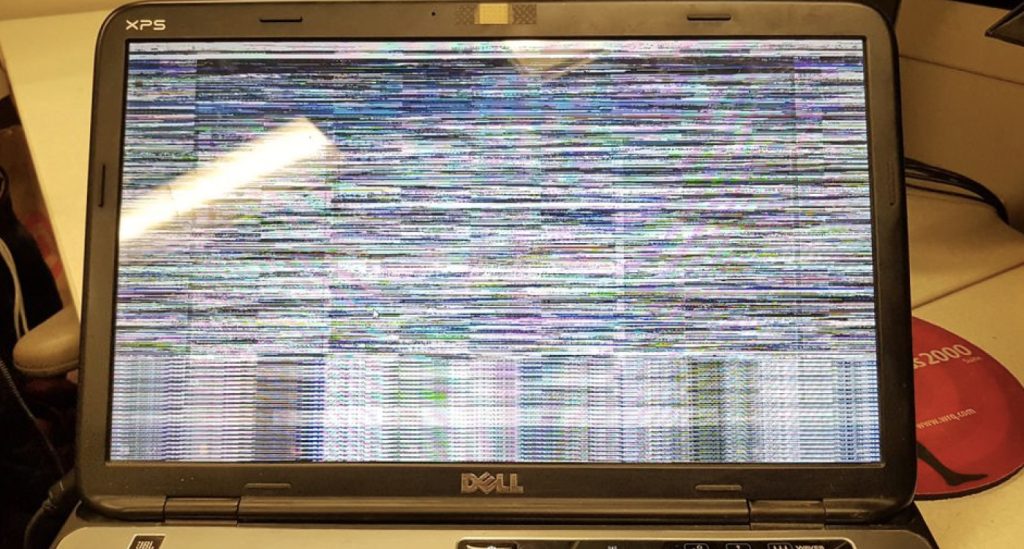
Screen issues are particularly noticeable for professionals spending extended hours in front of their laptops. Flickering, dim brightness, color inconsistency, or dead pixels gradually reduce comfort.
These Common Laptop Problems may stem from aging panels, graphics driver issues, or prolonged high-brightness usage.
To fix laptop issues involving displays:
- Update graphics drivers regularly
- Adjust brightness and resolution settings
- Avoid prolonged maximum brightness
With rental laptops, screen-related concerns are often resolved through device swaps, minimizing disruption.
Connectivity Instability as a Common Laptop Problem in Offices
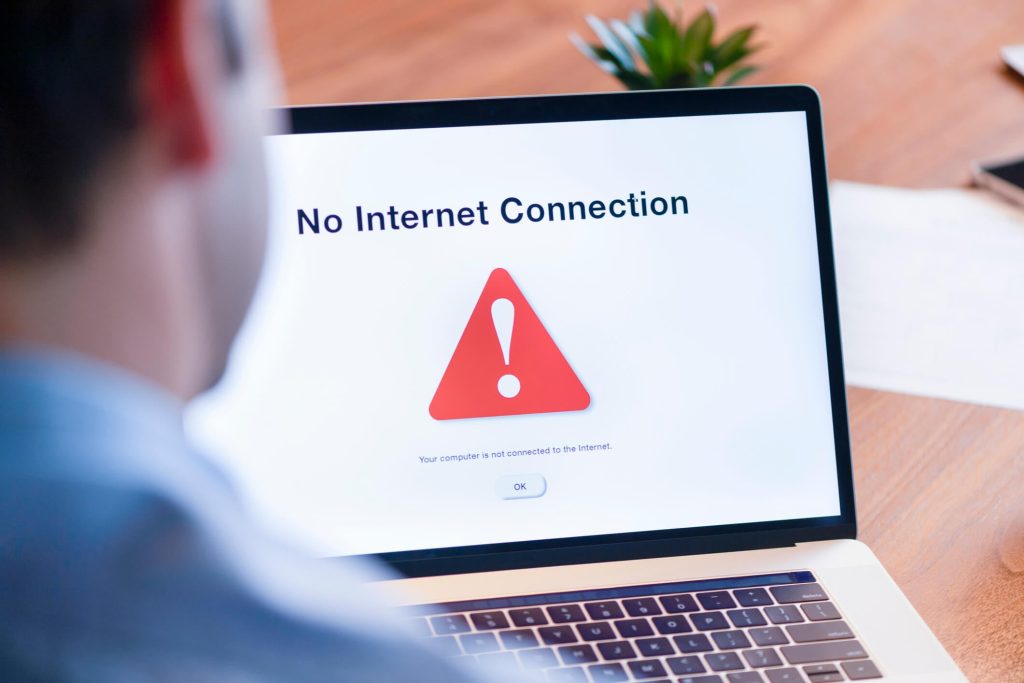
Unstable Wi-Fi or Bluetooth connections can disrupt meetings, file transfers, and collaboration. These Common Laptop Problems are especially frustrating in hybrid or remote work setups.
Common causes include outdated network drivers, conflicting software, or aging wireless hardware.
To fix laptop issues related to connectivity:
- Keep network drivers current
- Reset network configurations when needed
- Use external adapters if internal components weaken
Standardized company or rental laptops usually integrate better with office networks, reducing compatibility issues.
Software Crashes and Compatibility-Driven Common Laptop Problems
Unexpected crashes or application freezes interrupt workflow and increase stress. These Common Laptop Problems often arise when systems struggle to meet software demands.
They are commonly caused by insufficient memory, incompatible software versions, or outdated operating systems.
To fix laptop issues related to software stability:
- Match system specifications to application requirements
- Keep enterprise software updated uniformly
- Remove conflicting or unused programs
Rental laptops are typically configured with tested software environments, reducing conflict risks.
Storage Limitations as Silent Common Laptop Problems
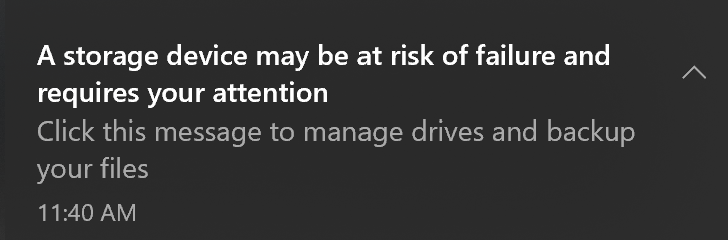
Limited storage affects more than just file saving. Once space runs low, updates fail, performance drops, and systems become unstable.
These Common Laptop Problems frequently appear on personal laptops that accumulate files over years without cleanup.
To fix laptop issues linked to storage:
- Archive or delete unused files regularly
- Use cloud storage for shared documents
- Upgrade internal storage where feasible
Rental setups allow scaling storage needs without replacing entire devices.
Security Gaps Hidden Within Common Laptop Problems
Security weaknesses rarely show visible symptoms until damage occurs. Outdated software, missing patches, or unsecured networks expose sensitive data.
Among Common Laptop Problems, security risks are the most serious, especially in professional environments.
To fix laptop issues related to security:
- Apply system and software updates promptly
- Use enterprise-grade security tools
- Encrypt sensitive data and enable access controls
Company-managed and rental laptops usually follow standardized security protocols, reducing user-dependent risks.
Hardware Aging as an Inevitable Common Laptop Problem
No laptop stays current forever. Aging processors, limited RAM, and outdated ports eventually restrict productivity.
These Common Laptop Problems become evident when modern applications demand more resources than the hardware can provide.
To fix laptop issues tied to aging hardware:
- Upgrade components where possible
- Replace devices proactively rather than reactively
Rental models simplify this transition by allowing upgrades without large capital expenses.
Personal, Employee, and Rental Laptops Compared Through Real-World Usage
When evaluating Common Laptop Problems, the source of the device matters. Personal laptops offer flexibility but often lack consistent maintenance. Employee-issued laptops improve standardization but still depend on internal IT capacity. Rental laptops, however, balance performance, maintenance, and scalability.
Each option has trade-offs, yet rental devices tend to reduce downtime and simplify long-term management, especially for growing teams.
Related Queries and Practical Clarifications
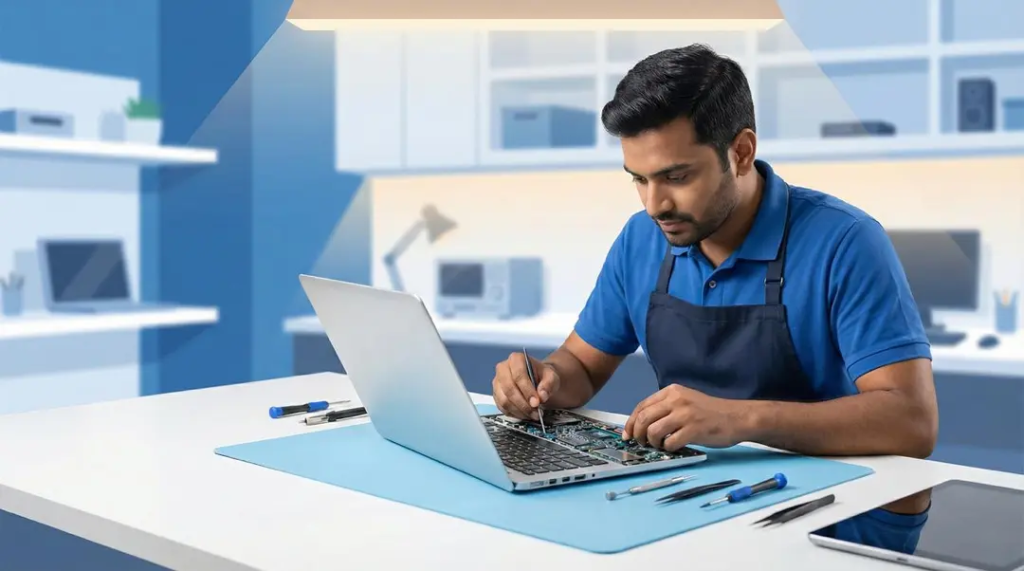
What are the most common laptop problems faced during daily work?
The most frequent Common Laptop Problems include performance slowdowns, overheating, battery wear, unstable connectivity, and software crashes. These issues usually develop gradually with continuous use and limited maintenance.
How can users fix laptop issues without technical expertise?
Many ways to fix laptop issues involve simple habits—keeping software updated, managing storage, optimizing startup programs, and maintaining proper charging routines. Preventive care often avoids larger failures.
Are employee-issued laptops better than personal laptops for work?
Employee laptops reduce variability and improve security, but they still require internal support. Personal laptops offer familiarity but often experience inconsistent performance and higher risk of Common Laptop Problems.
Do rental laptops reduce common laptop problems for teams?
Yes, rental laptops reduce Common Laptop Problems by offering standardized configurations, regular maintenance, and quick replacements, which helps maintain productivity.
Where can businesses rent reliable laptops for professional use?
Organizations looking for flexible, professionally managed laptop solutions can explore IndiaRENTALZ, which provides rental laptops designed for business environments, including maintenance and scalable options.