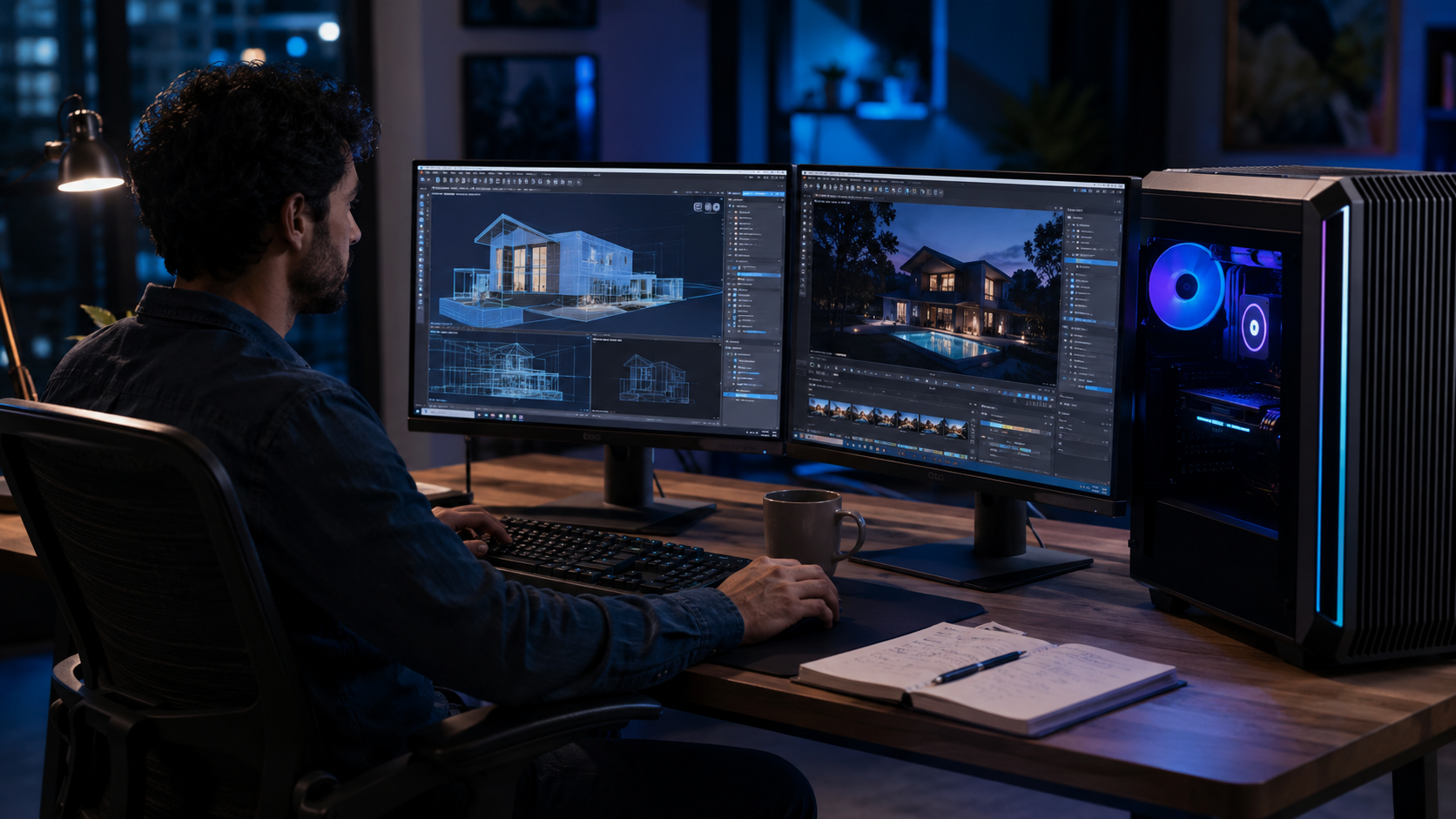
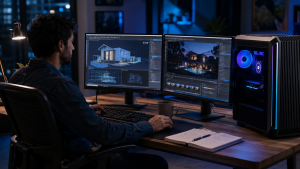
3D work has become more demanding than ever. Whether you are designing interiors, creating product models, editing animation scenes, building architectural walkthroughs, or working on VFX projects, your system plays a major role in how smoothly your workflow runs. This is why choosing the best PCs for 3D rendering is not just about buying or renting the most expensive machine. It is about selecting the right workstation based on your software, project size, rendering method, and deadline.
A normal desktop may handle basic modeling, but rendering needs much more power. It requires a strong processor, dedicated graphics card, enough RAM, fast storage, stable cooling, and software compatibility. Moreover, businesses and creators often need this power for a specific project, training batch, client presentation, or production deadline. In such cases, a 3D rendering PC on rent can be a practical option because it gives access to high-performance hardware without heavy upfront investment.
Best PCs for 3D Rendering Start With the Right Processor
The processor, or CPU, handles many important tasks in 3D software. It helps with modeling, simulations, calculations, scene preparation, and CPU-based rendering. Therefore, a strong processor can make your daily workflow faster and more responsive.
For light 3D modeling and basic rendering, an Intel Core i5 or Ryzen 5 may work. However, for serious rendering, you should consider Intel Core i7, Intel Core i9, Ryzen 7, Ryzen 9, or workstation-grade processors. These CPUs offer better multi-core performance, which helps when your software uses multiple cores during rendering.
For example, architects using SketchUp, AutoCAD, Revit, or 3ds Max may need a fast processor for smooth modeling. Similarly, animators and VFX professionals working on complex scenes need higher CPU power to manage heavy timelines and simulations.
As a result, the processor should match your workload. If your projects include large scenes, high-resolution textures, animation, or simulation, choose a higher-end CPU instead of relying on an entry-level desktop.
Graphics Cards That Make Rendering Faster
The graphics card, or GPU, is one of the most important parts of a rendering PC. Many modern 3D applications use GPU acceleration to render scenes faster and provide smoother real-time previews. Because of this, a dedicated GPU is highly recommended for professional 3D work.
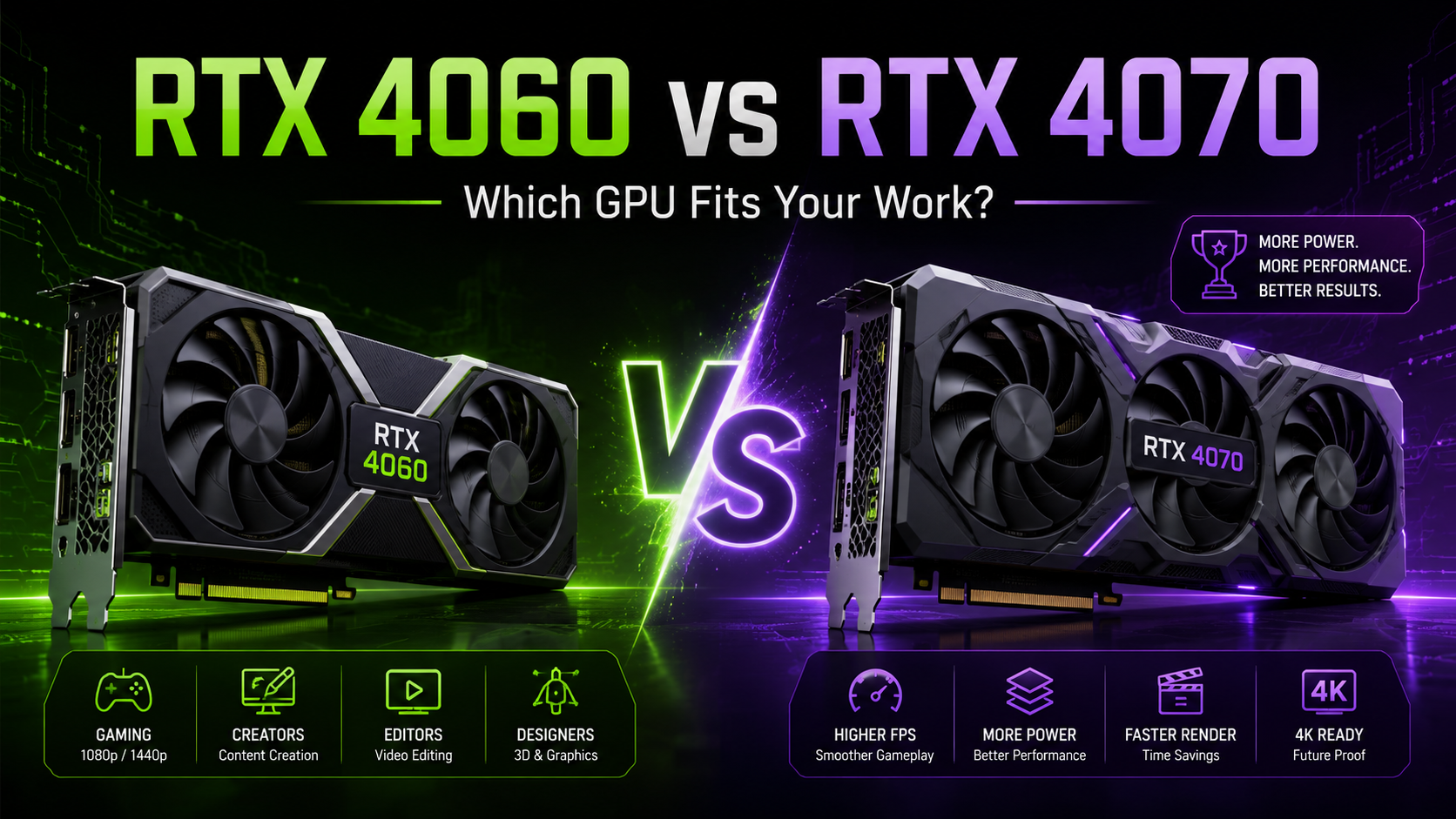
NVIDIA RTX graphics cards are commonly preferred for rendering because they support technologies used in software like Blender, V-Ray, Lumion, Enscape, Unreal Engine, OctaneRender, and Adobe applications. For moderate 3D work, RTX 3050, RTX 3060, or RTX 4060 can be useful. However, for heavier rendering, RTX 4070, RTX 4080, RTX 4090, or professional workstation GPUs offer better performance.
The GPU also affects viewport performance. This means your model rotates, zooms, and previews more smoothly while you work. Therefore, even before final rendering, a good GPU improves the overall creative experience.
For professionals comparing the best PCs for 3D rendering, GPU selection should be a top priority, especially if they use GPU-based rendering engines.
RAM Requirements for Smooth 3D Projects
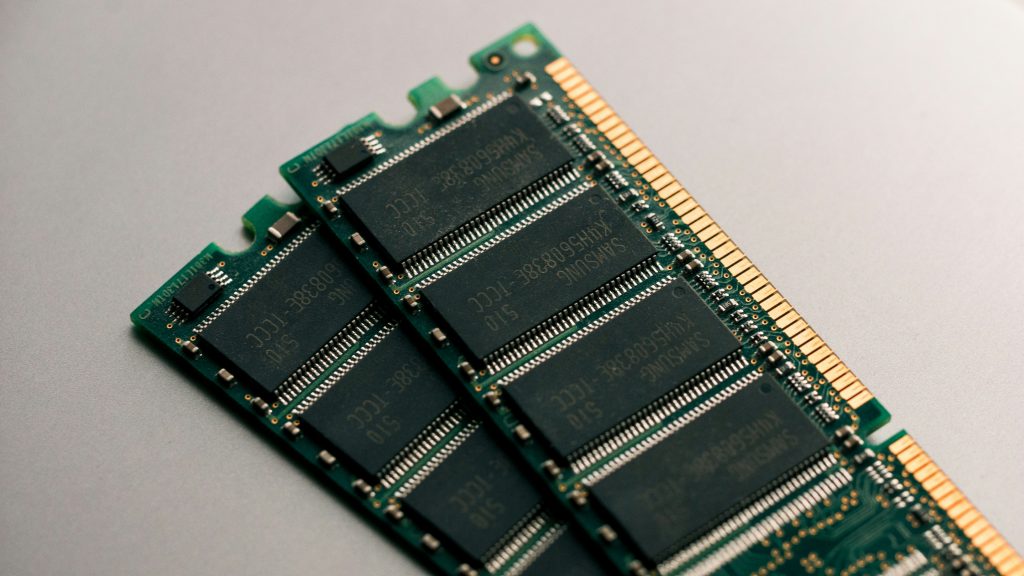
RAM decides how much project data your system can handle at one time. When you open large 3D files, apply high-resolution textures, use multiple software tools, or work with complex scenes, your PC needs enough memory to avoid slowdowns.
For basic 3D modeling, 16GB RAM can be acceptable. However, for professional rendering, 32GB RAM is a safer choice. For heavy animation, VFX, architectural walkthroughs, product visualization, and large simulation files, 64GB RAM or more can deliver better stability.
In addition, more RAM helps when you multitask. For example, a designer may keep Blender, Photoshop, After Effects, Chrome, and file management tools open at the same time. Without enough RAM, the system may lag, freeze, or slow down during rendering.
So, when choosing a workstation, avoid selecting a powerful processor and GPU with very low RAM. The system should stay balanced.
Fast Storage for Large Files and Quick Loading
Storage may seem less important than CPU or GPU, but it strongly affects daily productivity. 3D professionals often deal with large project files, texture libraries, cache files, renders, plugins, and software installations. Therefore, fast storage helps projects load quickly and keeps the system responsive.
A PC with SSD storage is much better than one with only a traditional hard drive. Ideally, choose NVMe SSD storage because it offers faster read and write speeds. For most professionals, 512GB SSD can work for basic projects, but 1TB SSD is more suitable for regular 3D work.
Moreover, if your projects include heavy assets, 4K textures, animation caches, or video files, you may need additional storage. In such cases, a combination of SSD and external storage can help manage active and archived projects properly.
Cooling and Power Stability for Long Rendering Hours
Rendering can run for several minutes, hours, or even overnight, depending on project size. During this process, the processor and graphics card work under heavy load. As a result, the PC generates heat. If the cooling system is weak, performance can drop.
Good cooling helps the system maintain stable speed for longer periods. It also protects hardware from unnecessary stress. This is especially important for studios, architects, engineers, and video teams that work on strict deadlines.
When selecting the best PCs for 3D rendering, do not look only at specifications on paper. Also check whether the system has proper airflow, reliable power supply, and stable thermal performance. A powerful PC that overheats will not deliver consistent results.
Best PCs for 3D Rendering Based on Work Type
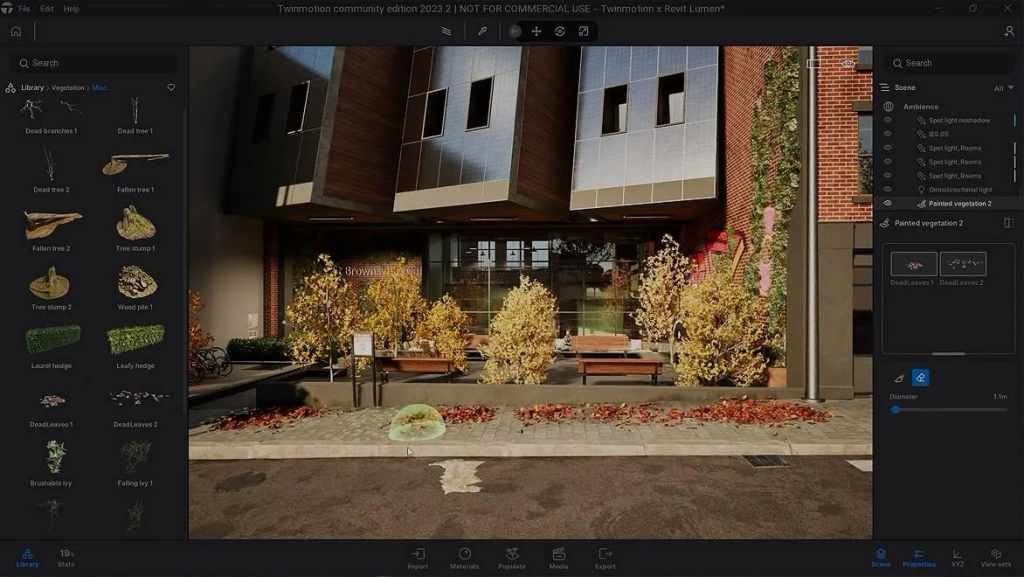
Different professionals need different types of rendering PCs. Therefore, the right configuration depends on your actual use case.
For architects and interior designers, a PC with Intel Core i7 or Ryzen 7, 32GB RAM, SSD storage, and RTX 4060 or higher can work well for tools like Lumion, Enscape, Revit, SketchUp, and V-Ray.
For 3D artists and animators, a higher GPU and more RAM can help with complex scenes, character models, lighting, and animation previews. RTX 4070 or above with 32GB to 64GB RAM is a better choice.
For VFX and video production teams, strong GPU performance, high RAM, and fast storage are important because they often use multiple tools together. A workstation with RTX 4070, RTX 4080, or higher can improve rendering speed and timeline performance.
For engineering and product design teams, CPU power, software certification, and stability matter. Applications like SolidWorks, CATIA, Fusion 360, and simulation tools need reliable performance for modeling and calculations.
Therefore, rather than selecting one universal system, match the PC to your industry and project type.
Software Compatibility Matters Before Choosing a PC
Before renting or buying a workstation, check the software you plan to use. Some applications depend more on the CPU, while others benefit more from GPU acceleration. For example, Blender Cycles, Lumion, Enscape, OctaneRender, and Unreal Engine benefit strongly from GPU power. On the other hand, some simulation and CAD tasks may depend heavily on CPU speed and memory.
Also, check operating system requirements, driver support, plugin compatibility, and recommended hardware specifications. This avoids problems after installation.
For businesses, this step becomes even more important when multiple systems are required for a team. If all systems have compatible configurations, the workflow becomes easier to manage.
Renting a 3D Rendering PC on Rent for Project Flexibility
Buying a high-performance workstation can be expensive, especially when the requirement is temporary. Many companies need powerful PCs only for a specific project, training session, event, animation deadline, or client presentation. In these situations, choosing a 3D rendering PC on rent can reduce upfront cost and improve flexibility.
Renting also helps businesses scale quickly. For example, if a studio gets a new project and needs five additional rendering systems for three months, renting can be more practical than purchasing. Once the project ends, the systems can be returned instead of becoming idle assets.
Additionally, rental workstations can be configured based on project needs. You can choose the processor, RAM, GPU, storage, and rental duration based on your workload. This makes renting useful for startups, agencies, architects, training institutes, and production teams.
Best PCs for 3D Rendering Should Balance Budget and Performance
A common mistake is choosing the highest specification without checking actual requirements. While a top-end workstation delivers excellent performance, not every project needs the most powerful PC available. On the other hand, choosing a low-end system to save cost can slow down work and affect delivery timelines.
A balanced approach works better. First, understand your software. Then, check project size, rendering method, file complexity, and expected delivery time. After that, select the processor, GPU, RAM, and storage accordingly.
For light modeling, a mid-range workstation may be enough. For heavy rendering, animation, 4K visualization, and VFX, a higher-end RTX workstation makes more sense. Therefore, the best PCs for 3D rendering are not always the most expensive systems. They are the systems that match the work properly.
Common Mistakes to Avoid While Choosing a Rendering PC
Many users focus only on one component, such as the graphics card, and ignore the rest of the system. However, rendering performance depends on the complete configuration.
Avoid these common mistakes:
- Choosing a strong GPU with low RAM
- Using HDD storage instead of SSD
- Ignoring cooling and airflow
- Selecting a basic processor for heavy rendering
- Not checking software compatibility
- Buying expensive systems for short-term work
- Renting without confirming required specifications
- Underestimating future project size
By avoiding these mistakes, professionals can save time, reduce lag, and complete projects more efficiently.
Related Queries About Rendering Workstations
What specifications are ideal in the best PCs for 3D rendering?
The ideal specifications depend on your workload. However, for professional use, a good starting point is an Intel Core i7 or Ryzen 7 processor, 32GB RAM, NVMe SSD storage, and an NVIDIA RTX graphics card. For heavy animation, VFX, architectural walkthroughs, and large scenes, you should consider Core i9 or Ryzen 9, 64GB RAM, and RTX 4070 or higher.
Is GPU more important than CPU for 3D rendering?
Both are important, but the priority depends on your software. GPU-based renderers like Blender Cycles, Lumion, Enscape, OctaneRender, and Unreal Engine benefit greatly from a powerful graphics card. However, CPU performance still matters for modeling, simulations, scene calculations, and some rendering engines. For best results, choose a balanced system.
How much RAM is enough for 3D modeling and rendering?
For basic 3D modeling, 16GB RAM can work. However, 32GB RAM is better for professional projects. If you work with large scenes, animation, high-resolution textures, simulations, or VFX, 64GB RAM or more can improve stability and performance.
Should architects choose a workstation PC or a normal desktop?
Architects should choose a workstation PC if they use software like Revit, AutoCAD, SketchUp, Lumion, Enscape, 3ds Max, or V-Ray for professional projects. A normal desktop may handle basic drafting, but a workstation gives better performance for 3D views, rendering, walkthroughs, and large project files.
Where can you get a 3D rendering PC on rent in India?
You can rent high-performance rendering PCs from IndiaRentalz for architecture, animation, VFX, design, engineering, training, and business projects. IndiaRentalz provides laptops, desktops, MacBooks, workstations, and RTX systems on rent across India, helping teams access powerful systems without heavy upfront purchase costs.
Is renting better than buying a rendering workstation?
Renting is better when the requirement is temporary, project-based, or quantity-based. For example, if you need rendering PCs for a few months, a training lab, a new team, or a short production deadline, renting can reduce capital expense. Buying may make sense for permanent, long-term, daily usage. Therefore, the right choice depends on duration, budget, and workload.
Final Thoughts on Choosing the Right Rendering PC
Choosing the right workstation can directly improve productivity, rendering speed, and project delivery. The processor, GPU, RAM, storage, cooling, and software compatibility all work together to define performance. Therefore, instead of choosing a PC only by price or brand, focus on your actual workflow.
For creators, architects, engineers, animators, and businesses, the best PCs for 3D rendering are the ones that provide stable performance, smooth previews, fast rendering, and enough flexibility for current and future projects.
If your requirement is short-term or project-based, a 3D rendering PC on rent can be a smart way to get professional hardware without a large investment. It gives you the freedom to scale your setup, control costs, and work with the right configuration when you need it most.