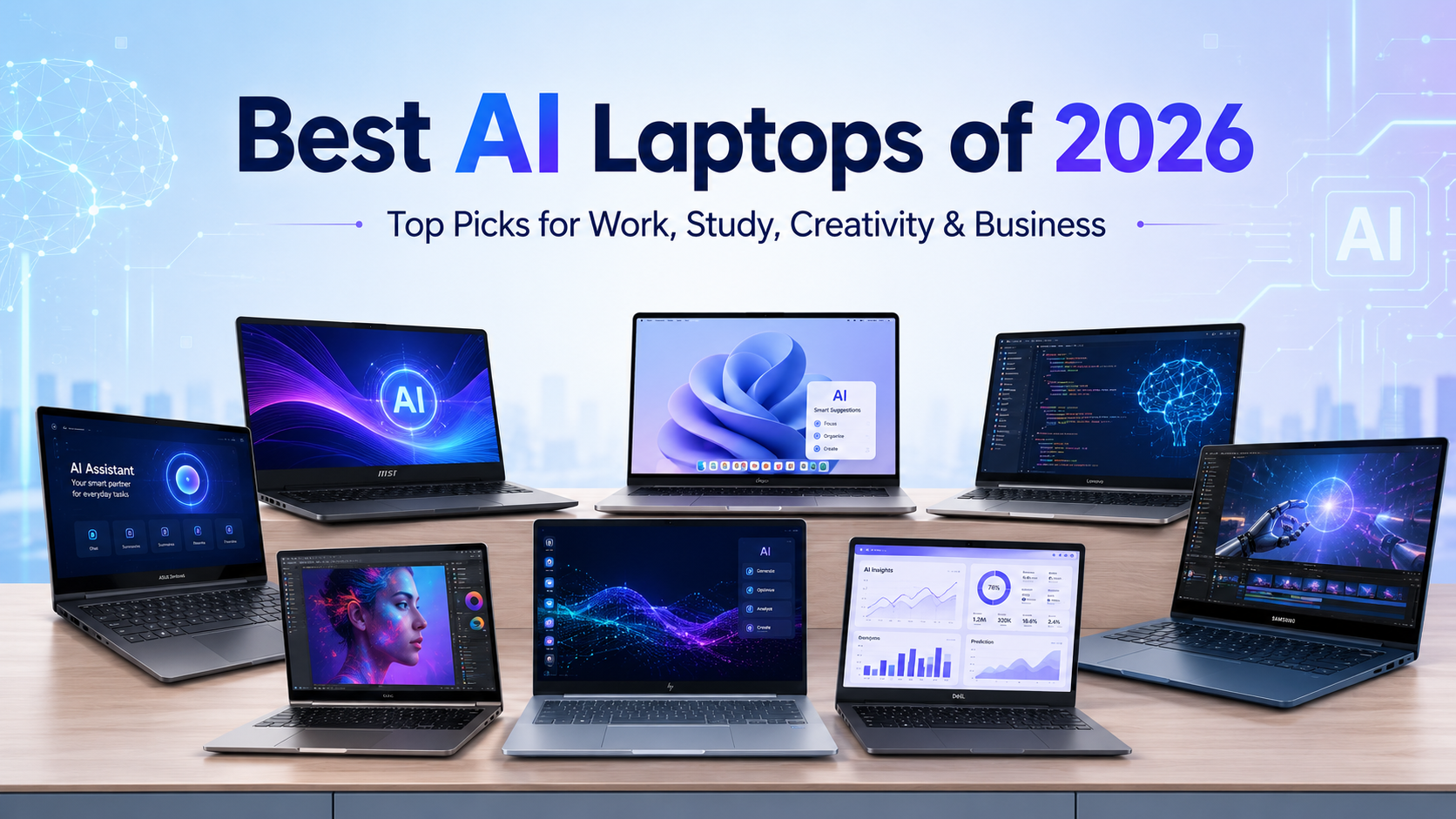
Artificial intelligence has changed what people expect from a laptop. Earlier, buyers mostly checked processor, RAM, storage, display, and battery life. Now, while choosing the Best AI laptops of 2026, they also look at AI features, NPU performance, local processing, creative acceleration, and compatibility with modern productivity tools.
That is why many students, professionals, creators, developers, and businesses are searching for the Best AI laptops of 2026 before buying or renting a device. The right AI laptop can help with research, writing, coding, design, video editing, meeting summaries, automation, and faster multitasking.
However, every user does not need the same laptop. A student may need portability and battery life, while a video editor may need a powerful GPU. Similarly, a company may need scalable AI-powered laptops for teams, training, or project-based work. Therefore, this guide explains the seven best AI laptop choices for different users and helps you choose based on real use cases.
The Rise of AI-Powered Laptops in 2026
AI-powered laptops are built to handle smart features more efficiently than traditional laptops. These devices usually combine a CPU, GPU, and NPU to manage different types of workloads.
The CPU handles general performance. The GPU supports graphics, rendering, gaming, and creative acceleration. Meanwhile, the NPU, or Neural Processing Unit, helps run AI-focused tasks with better power efficiency.
Because of this hardware combination, AI laptops can support:
- Smart video call enhancements
- Background noise removal
- AI image and video editing
- Meeting transcription and summaries
- Coding assistants and automation tools
- Local AI features with better privacy
- Faster creative and productivity workflows
As a result, AI-powered laptops are becoming useful for both personal and business users. Moreover, they are not limited to high-end professionals. Students, freelancers, HR teams, sales teams, developers, designers, and startup teams can also benefit from them.
7 Best AI-Powered Laptops to Consider in 2026
The Best AI laptops of 2026 are not limited to one brand or one processor type. Instead, they cover different use cases such as productivity, creativity, coding, business, and high-performance work. Here are seven strong options to consider.
1. Apple MacBook Pro for Creators and Developers
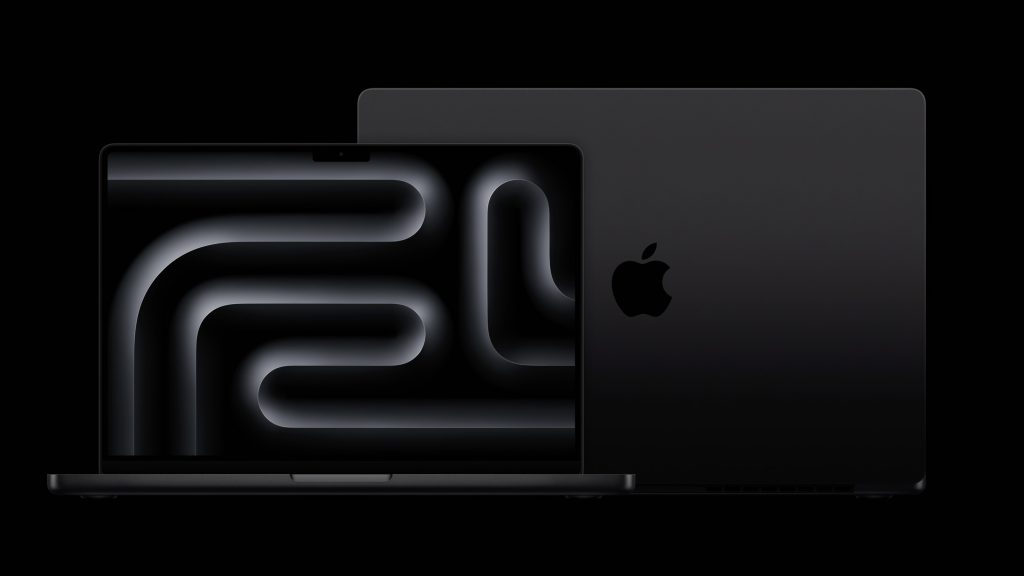
The MacBook Pro remains a strong choice for professionals who need performance, battery life, and a premium display. It works well for video editors, developers, designers, music producers, and business users who prefer macOS.
Its biggest strengths are smooth performance, excellent battery life, strong display quality, and reliable build quality. Additionally, Apple Silicon chips support AI-related workflows through the Apple Neural Engine and optimized creative applications.
Best for:
- Video editors
- Developers
- Designers
- Music creators
- Premium business users
Pros:
- Excellent battery life
- Strong display quality
- Smooth creative performance
- Premium build
Cons:
- Higher purchase cost
- Limited upgrade options after purchase
- Not ideal for users dependent on Windows-only software
2. Microsoft Surface Laptop for Business Productivity
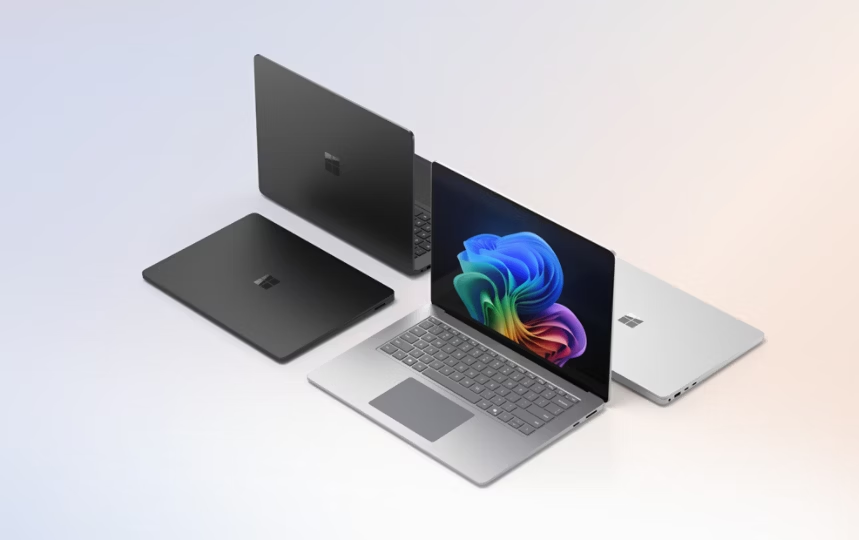
The Microsoft Surface Laptop is a strong choice for business professionals, students, and users who want a clean Windows experience. It is lightweight, professional, and suitable for meetings, documents, presentations, and AI productivity features.
It works well for users who need portability, battery life, and modern Windows AI features. Moreover, its clean design makes it suitable for corporate and executive use.
Best for:
- Business users
- Students
- Consultants
- Office professionals
- Remote workers
Pros:
- Premium design
- Good battery life
- Strong Windows experience
- Suitable for AI productivity tools
Cons:
- Not ideal for heavy gaming or rendering
- Higher configurations can be expensive
3. Dell XPS AI Laptop for Professionals
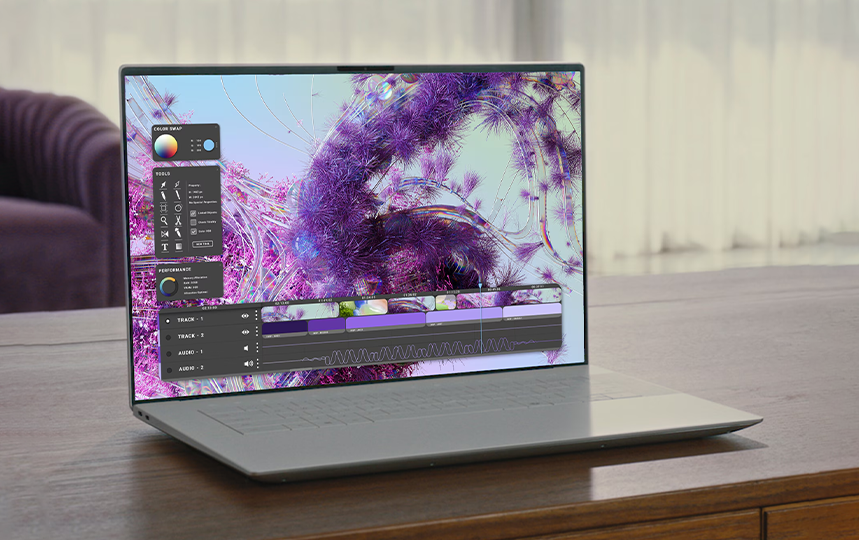
Dell XPS laptops are known for premium design, sharp displays, and strong performance. In 2026, AI-ready XPS models are useful for professionals who want a compact yet powerful laptop for work, creativity, and multitasking.
They are suitable for users who handle documents, presentations, design tools, browser-based AI platforms, and business applications. Additionally, they offer a premium feel for executives and professionals.
Best for:
- Business professionals
- Designers
- Freelancers
- Consultants
- Premium office users
Pros:
- Compact premium design
- High-quality display
- Strong multitasking performance
- Good for office and creative work
Cons:
- Premium pricing
- May not match gaming laptops for GPU-heavy work
4. Lenovo Yoga Slim AI Laptop for Students and Freelancers
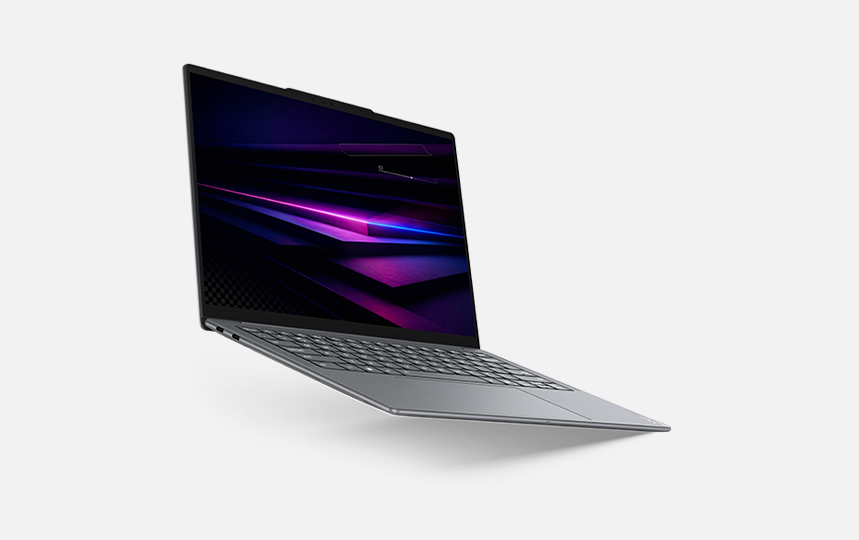
Lenovo Yoga Slim AI laptops are suitable for students, freelancers, and professionals who want portability and strong battery life. They are practical for online classes, writing, research, content planning, office work, and light creative tasks.
Because these laptops are usually thin and portable, they work well for users who move between home, office, college, and co-working spaces.
Best for:
- Students
- Freelancers
- Writers
- Business users
- Remote workers
Pros:
- Lightweight design
- Good battery life
- Comfortable for daily use
- Practical for productivity and study
Cons:
- Not ideal for heavy rendering
- Some models may have limited ports
5. ASUS Zenbook or Vivobook AI Laptop for Balanced Users
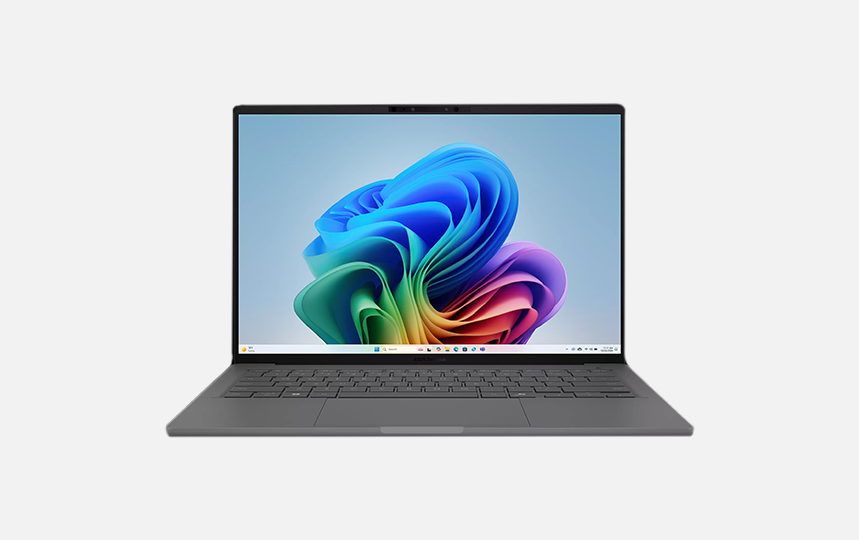
ASUS Zenbook and Vivobook AI models are good options for users who want a balance of performance, portability, and value. These laptops are suitable for students, business users, creators, and freelancers who need a modern AI-powered laptop without always moving to a very expensive workstation.
They can handle productivity tools, online meetings, browser-based AI platforms, design apps, and light editing. Furthermore, many models offer good displays, slim designs, and modern processors.
Best for:
- Students
- Freelancers
- Office users
- Light creators
- Everyday professionals
Pros:
- Good value in many configurations
- Modern AI-ready processors
- Portable design
- Suitable for mixed usage
Cons:
- Entry models may not suit heavy creative work
- Build quality can vary by series
6. HP OmniBook AI Laptop for Corporate Teams
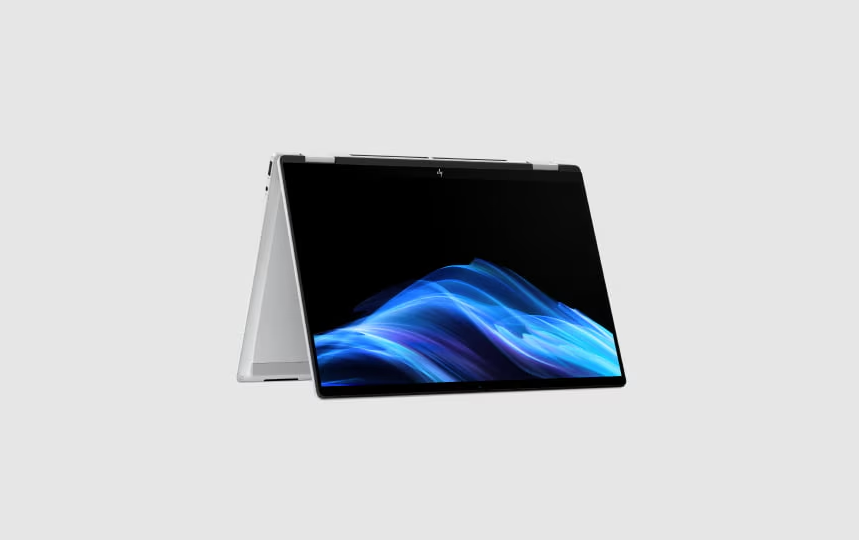
HP OmniBook AI laptops are suitable for business users and corporate teams that need reliable devices for daily operations. They are practical for meetings, reports, CRM tools, cloud applications, HR workflows, sales teams, and productivity tasks.
For companies, the main advantage is not only performance but also manageability and support. Businesses need laptops that can be deployed quickly and used reliably across teams.
Best for:
- Corporate teams
- HR departments
- Sales teams
- Business professionals
- Training programs
Pros:
- Business-friendly design
- Reliable productivity performance
- Good for team deployment
- Suitable for AI office tools
Cons:
- High-end models may cost more
- Not focused on gaming or heavy 3D work
7. NVIDIA RTX AI Laptop for Creators and Power Users
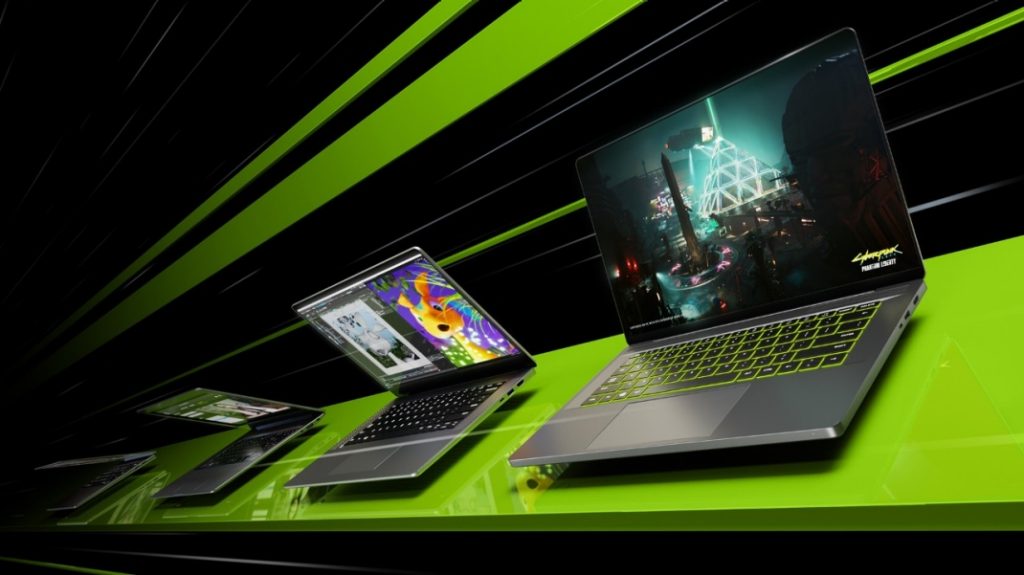
For users who need serious performance, an NVIDIA RTX AI laptop is one of the strongest choices. These laptops are suitable for video editing, 3D design, rendering, gaming, animation, and AI development.
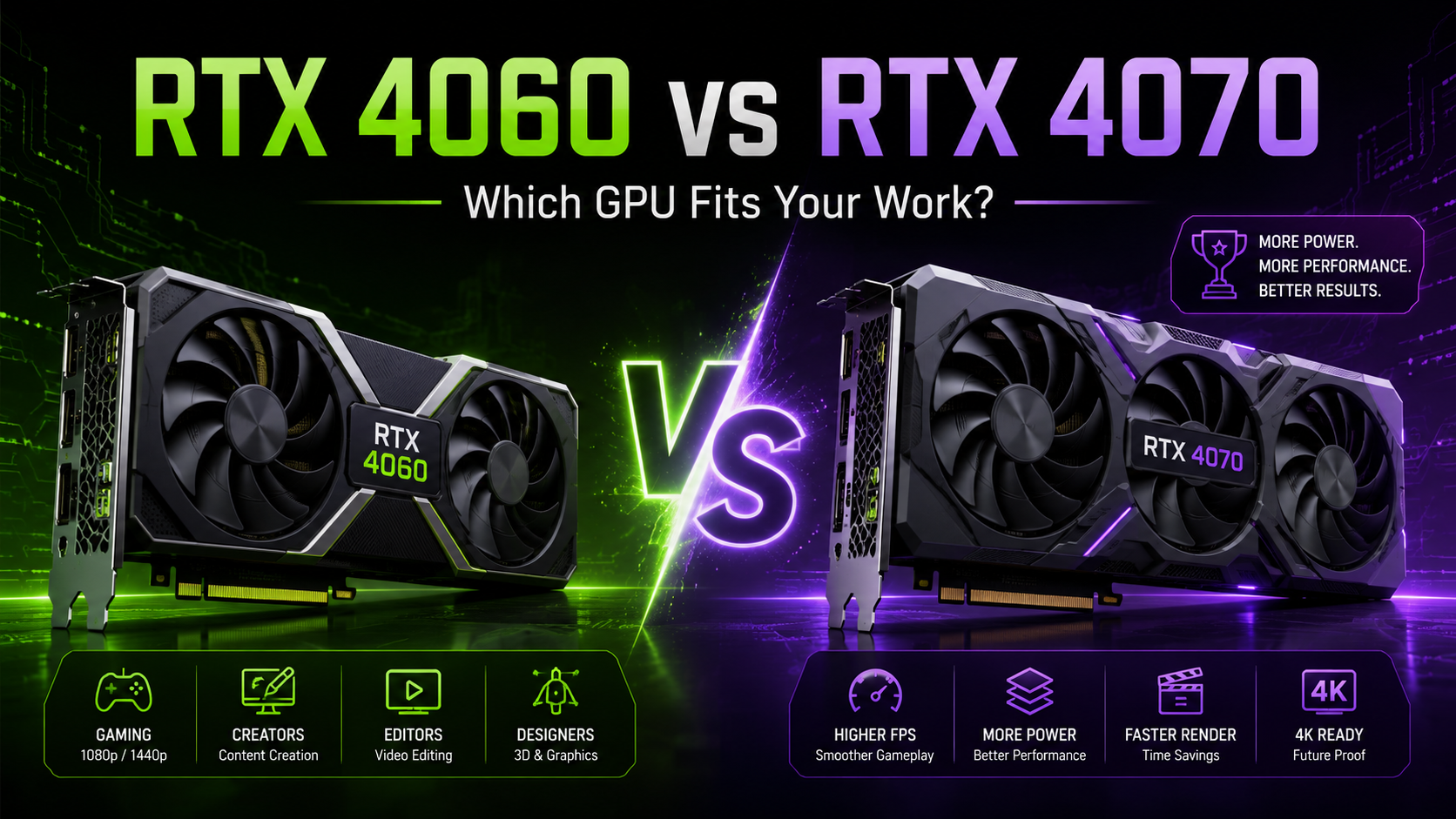
While an NPU is useful for efficient AI tasks, a powerful GPU still matters for heavy creative and technical workloads. Therefore, creators, editors, designers, and developers working with demanding software should consider RTX-powered options.
Best for:
- Video editors
- 3D artists
- Animators
- Game developers
- AI and ML users
- High-performance creators
Pros:
- Strong GPU performance
- Better for rendering and editing
- Suitable for 3D and AI workloads
- Good for gaming and creative software
Cons:
- Heavier than thin laptops
- Battery life may be lower
- Higher rental or purchase cost
Comparing AI Laptop Choices by User Type
Choosing from the Best AI laptops of 2026 becomes easier when you match the laptop with your actual work.
Students should focus on portability, battery life, and value. Developers should focus on CPU, RAM, SSD, and software compatibility. Creators should prioritize GPU, display quality, cooling, and storage. Business users should focus on reliability, support, deployment, and flexibility.
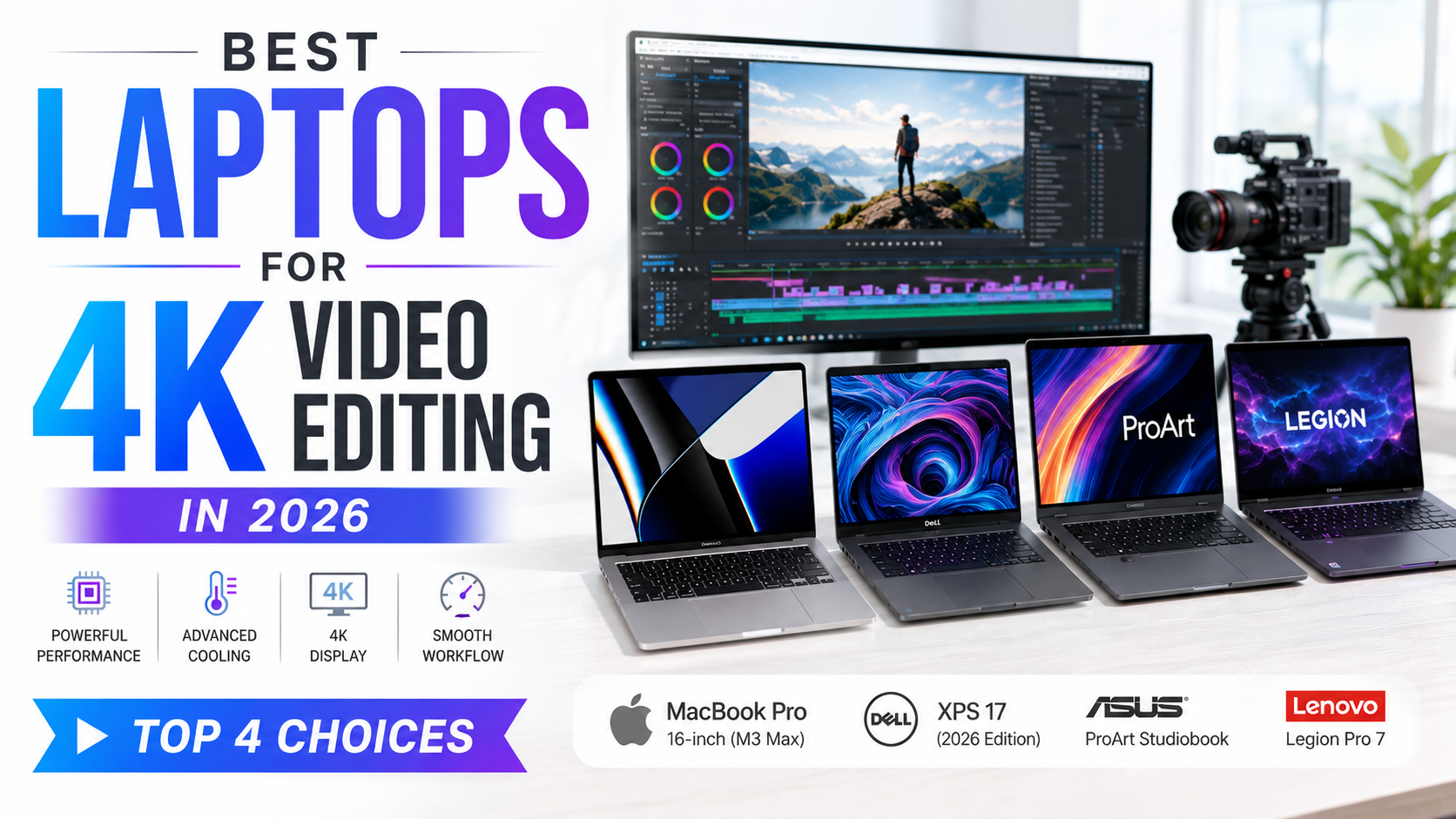
For example, a student using AI for notes and research does not need an RTX laptop. However, a video editor working on 4K projects will benefit from dedicated graphics. Similarly, a startup hiring 20 employees may prefer renting AI-powered laptops instead of buying new devices for everyone.
Therefore, the best laptop is not always the most powerful one. It is the one that matches your workload, budget, and duration of use.
Buying vs Renting AI-Powered Laptops
Buying makes sense when you need a laptop for long-term personal use and you are sure about the configuration. However, renting can be a smarter option when the requirement is temporary, business-related, or project-based.
Renting AI-powered laptops is useful for:
- Startups building temporary teams
- Companies hiring for short-term projects
- Training programs and workshops
- Events and conferences
- Freelancers testing premium machines
- Creators handling project-based editing work
- Businesses avoiding heavy upfront investment
Additionally, AI laptop technology is changing quickly. New processors, NPUs, and GPUs continue to enter the market. Because of this, businesses may not want to block capital in devices that can become outdated within a short time.
Renting gives companies flexibility to upgrade, scale, and manage costs better.
Features That Matter Before Final Selection
Before choosing the Best AI laptops of 2026, check the configuration carefully. AI branding can be useful, but specifications decide the real experience.
Important features include:
- Processor generation
- NPU capability
- RAM size
- SSD capacity
- GPU requirement
- Display quality
- Battery life
- Cooling system
- Port selection
- Service and support
For general users, 16GB RAM and 512GB SSD are a practical starting point. However, creators, developers, and power users should consider 32GB RAM and higher storage. Moreover, GPU-based laptops are better for editing, 3D work, rendering, gaming, and AI development.
Related Queries About AI Laptops
What are the Best AI laptops of 2026 for business users?
The Best AI laptops of 2026 for business users are laptops that offer strong battery life, reliable performance, AI-ready processors, at least 16GB RAM, and smooth support for office tools. Business users should choose laptops based on team size, work type, software requirement, and deployment duration.
Are AI-powered laptops better than normal laptops?
AI-powered laptops are better for users who regularly use AI features, meeting tools, smart editing, coding assistants, automation, and local AI processing. However, normal laptops can still run many cloud-based AI tools. The main advantage of AI laptops is better efficiency and future readiness.
Which AI laptop is best for students?
For students, the best AI laptop is lightweight, durable, and battery-efficient. A laptop with 16GB RAM, SSD storage, good webcam, and modern AI-ready processor is suitable for classes, research, assignments, and productivity tools.
Which AI laptop is best for video editing?
For video editing, an AI laptop with a strong processor, dedicated GPU, 16GB or 32GB RAM, fast SSD, and good display is recommended. NVIDIA RTX AI laptops are especially useful for creators working on 4K editing, rendering, animation, and design.
How much RAM is required for an AI laptop?
Most users should start with 16GB RAM in 2026. However, developers, creators, designers, and heavy multitaskers should consider 32GB RAM or more. More RAM helps when you work with large files, multiple apps, virtual machines, or editing software.
Should companies buy or rent AI laptops?
Companies should buy AI laptops for long-term fixed requirements. However, they should rent laptops for short-term projects, temporary teams, training programs, events, or fast team expansion. Renting helps businesses reduce upfront cost and scale devices as needed.
Where can you rent AI laptops in India?
Businesses can rent AI laptops in India from IndiaRentalz for short-term projects, team expansion, training programs, remote teams, and business requirements. IndiaRentalz provides laptops on rent with flexible rental plans, quick deployment, and support for companies that need reliable IT devices without heavy upfront investment.
Are AI-powered laptops useful for freelancers?
Yes, AI-powered laptops are useful for freelancers because they support writing, design, editing, coding, research, automation, and client work. Freelancers should choose a laptop based on their service type. Writers and consultants can choose lightweight models, while editors and designers should choose stronger configurations.
Final Thoughts on Choosing the Right AI Laptop
The Best AI laptops of 2026 are not the same for every user. Students need portability. Developers need performance and compatibility. Creators need GPU power and display quality. Businesses need reliability, support, and flexible deployment.
Therefore, choose a laptop based on your actual work instead of only following trends. AI-powered laptops can improve productivity, but the right configuration makes the real difference.
If you need a laptop for long-term personal use, buying can be practical. However, if you need AI laptops for a project, team, training, or temporary business requirement, renting gives better flexibility and cost control.
With the right selection, an AI laptop can support modern workflows, improve efficiency, and help users work smarter in 2026.