High-resolution content is no longer limited to large studios. Today, YouTubers edit in 4K, ad agencies render motion graphics in real time, and animation teams work with GPU-heavy 3D pipelines. However, powerful editing systems come at a steep price. That is why many creators and studios are now choosing a Video Editing PC on Rent instead of purchasing expensive workstations outright.
Whether you are a freelance editor handling a documentary, a production house managing OTT deadlines, or a Blender artist rendering complex scenes, renting gives you access to performance without long-term capital commitment. In this guide, we explore how to evaluate platforms in India and what truly matters before selecting a provider.
The Growing Need for Video Editing PC on Rent in India
Editing workflows have evolved dramatically. Footage sizes have increased, timelines have become layered, and AI-powered features are now part of everyday production. Consequently, system requirements have also intensified.
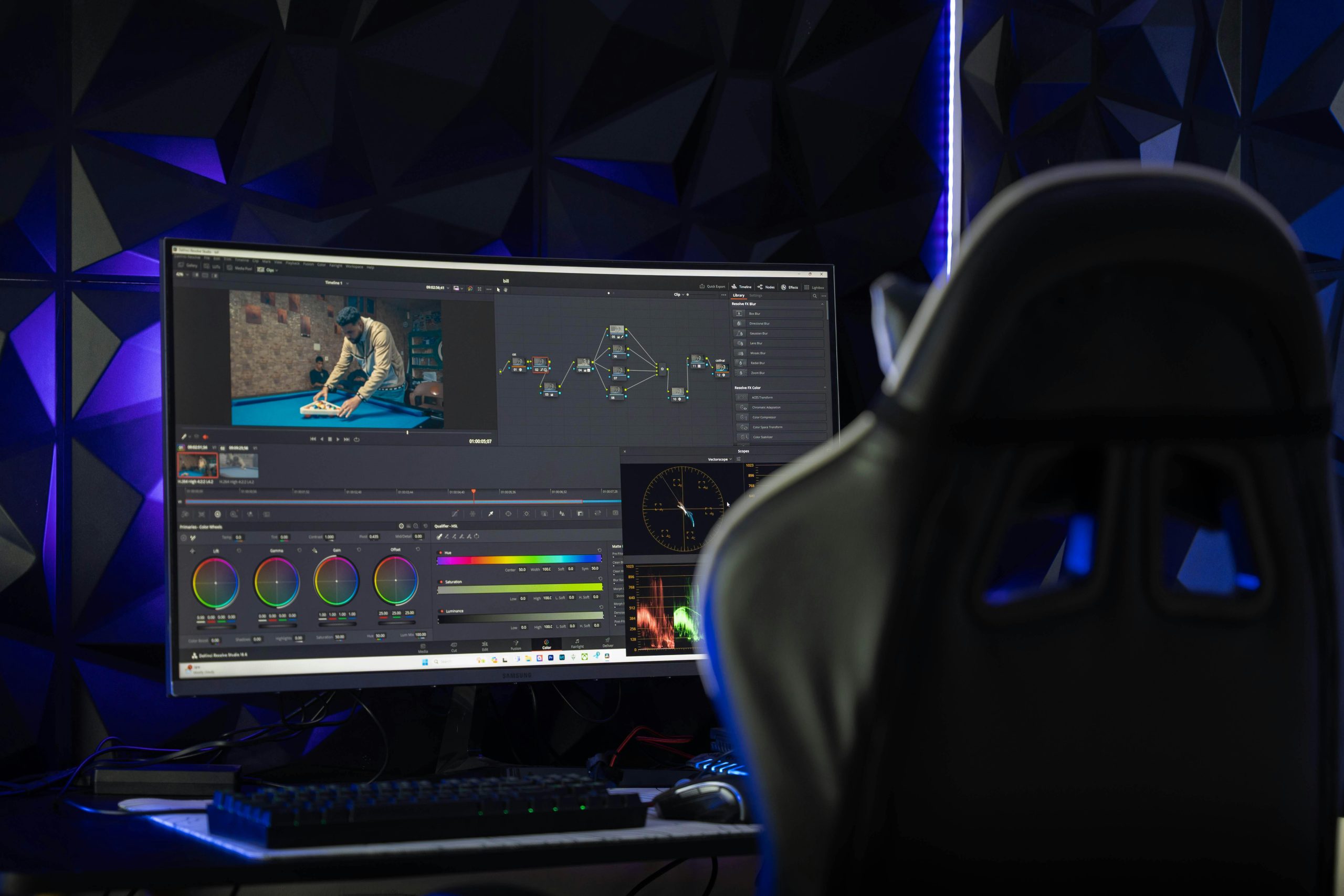
Modern editing projects often involve:
• 4K or 8K raw footage
• Heavy color grading
• Multi-camera timelines
• Motion graphics in After Effects
• 3D rendering in Blender or Maya
• Real-time previews in Unreal Engine
As a result, many professionals look for a Video Editing PC on Rent during active project cycles. Instead of spending several lakhs on permanent infrastructure, they align hardware access with project duration.
This shift is especially noticeable among freelancers, media students, and growing studios that need flexibility.
What Defines a Reliable Video Editing PC on Rent Platform
Not every rental provider understands creative workloads. Therefore, before finalizing a vendor, you must evaluate technical transparency and service structure.
First, confirm GPU specifications. A true editing-grade system should offer RTX-series GPUs such as 3070, 3080, 4080, or higher. For complex 3D pipelines, workstation GPUs may also be relevant. A GPU PC on Rent without clearly defined graphics hardware may not handle rendering demands effectively.
Second, examine RAM and storage. Editing performance depends on:
• Minimum 32GB RAM for professional workflows
• NVMe SSD for OS and cache
• Separate SSD or high-speed storage for project files
Third, assess delivery capability. If your studio operates across cities or requires bulk deployment, the provider must support organized logistics.
Ultimately, a strong Video Editing PC on Rent platform prioritizes performance stability rather than just availability.
Video Editing PC on Rent for Freelancers and YouTubers
Freelancers often experience fluctuating workloads. One month may include multiple commercial projects, while another might remain light. Buying a permanent high-end workstation may not be financially efficient in such cases.
For example, consider:
• A YouTuber editing a seasonal series
• A wedding cinematographer during peak season
• A freelance editor handling a two-month corporate film
In each scenario, a Video Editing PC on Rent ensures access to strong hardware when deadlines are active. Once delivery is complete, costs stop. Therefore, rental aligns expense directly with revenue cycles.
Moreover, freelancers can test higher configurations without committing to permanent purchase decisions.
GPU PC on Rent for 3D and Animation Workflows
3D artists and animation studios depend heavily on GPU acceleration. Rendering scenes, processing simulations, and generating previews require high graphical power.
Choosing a GPU PC on Rent allows studios to expand capacity temporarily during production peaks. Instead of investing in multiple permanent systems, teams can scale hardware as deadlines intensify.
This approach benefits:
• Blender users rendering animation sequences
• Architectural visualization firms producing walkthroughs
• Motion graphics artists creating heavy compositions
• OTT post-production teams handling VFX
Because 3D projects often operate in bursts, rental provides scalable infrastructure without overspending.
Video Editing PC on Rent for Production Houses and OTT Teams
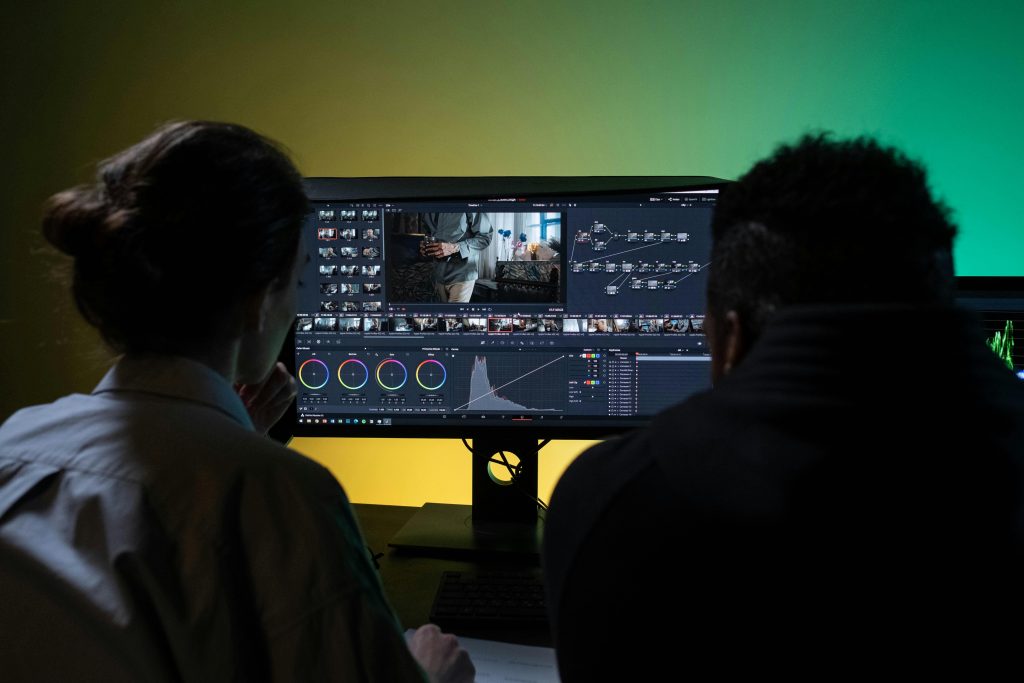
Production houses often face tight timelines once projects enter post-production. Editors, colorists, and VFX artists need stable systems to avoid workflow interruptions.
A structured Video Editing PC on Rent setup enables:
• Faster rendering cycles
• Smooth timeline playback
• Efficient color grading
• Reduced crash risk during export
Additionally, rental platforms can deploy uniform systems across editing teams, which ensures workflow consistency.
Once post-production wraps, the hardware is returned, and the organization avoids maintaining idle assets.
Comparing Ownership with Video Editing PC on Rent
Ownership offers complete control, but it also introduces long-term responsibilities. Hardware depreciates quickly, and technology evolves within short cycles. Furthermore, internal IT management becomes necessary for maintenance and upgrades.
On the other hand, a PC on Rent model focuses on usage-based access. You pay for computing power during active production rather than storing hardware during idle periods.
Ownership may suit large studios with consistent year-round workloads. However, dynamic creative teams often benefit more from rental flexibility.
How to Evaluate Video Editing PC on Rent Platforms in India
When comparing providers, consider the following checklist:
• Clear GPU model disclosure
• Transparent RAM and storage configuration
• Defined rental duration options
• Replacement and support policy
• Delivery coverage across cities
• Structured documentation process
While multiple vendors operate in the market, enterprise-oriented platforms like IndiaRENTALZ provide organized deployment for studios, agencies, and creators across major Indian cities. However, before selecting any provider, always verify hardware details and service commitments.
Choosing carefully ensures your editing workflow remains uninterrupted.
Video Editing PC on Rent as a Strategic Creative Decision
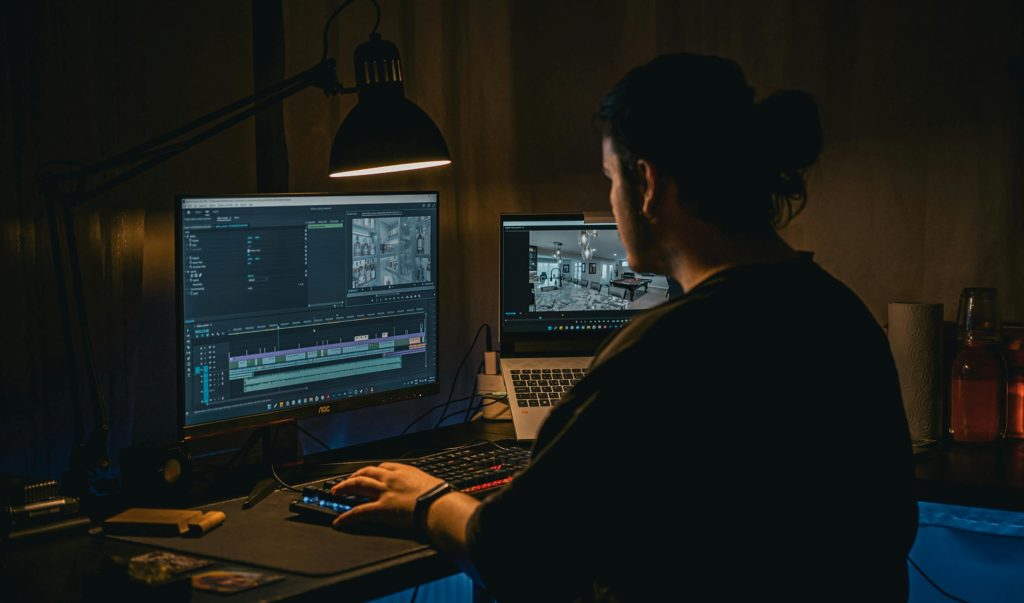
Many creators initially view renting as a temporary fix. Over time, it becomes part of production planning.
For example:
• Studios can rent additional systems during peak campaign seasons
• Animation teams can scale GPU power during rendering phases
• Media students can access high-end machines for final projects
• Ad agencies can equip temporary teams without long-term purchase
Because creative workloads fluctuate, a Editing PC on Rent becomes a strategic decision rather than a reactive one.
It allows creators to focus on storytelling and production instead of hardware management.
Related Queries and Common Considerations
Is Video Editing PC on Rent suitable for 4K and 8K editing?
Yes. Provided the configuration includes sufficient RAM and a strong GPU, a Video Editing PC on Rent can comfortably handle 4K and even 8K timelines. However, you must confirm technical specifications before finalizing the rental.
How does GPU PC on Rent help in Blender and 3D rendering?
A GPU PC on Rent accelerates rendering, simulation, and real-time previews in Blender, Maya, and similar software. This reduces project turnaround time and prevents workflow delays during intensive production phases.
Can students opt for Video Editing PC on Rent for short-term projects?
Yes. Media students often require high-performance systems during thesis or final-year projects. Renting allows them to access professional hardware without permanent investment.
What is the ideal configuration to look for in a Video Editing PC on Rent?
For professional editing, aim for:
• RTX-series GPU
• At least 32GB RAM
• NVMe SSD storage
• Multi-core processor
These specifications ensure smooth timeline playback and faster export speeds.
Where can you find reliable Video Editing PC on Rent in India?
If you are searching for structured deployment with clear documentation and enterprise-grade systems, platforms such as IndiaRENTALZ offer Video Editing PC on Rent solutions tailored for studios, freelancers, and production houses. It is advisable to compare configurations and support policies before making a decision.
Final Thoughts
Creative industries demand performance stability and timely delivery. However, hardware ownership is not always necessary to achieve that stability.
A Video Editing PC allows video editors, YouTubers, animation studios, and production teams to align computing power with active workload cycles. At the same time, GPU PC on Rent options provide scalable performance for 3D rendering and AI-driven editing workflows.
Ultimately, renting empowers creators to focus on content, storytelling, and innovation while maintaining financial flexibility. In an industry where deadlines define success, having the right system at the right time makes all the difference.