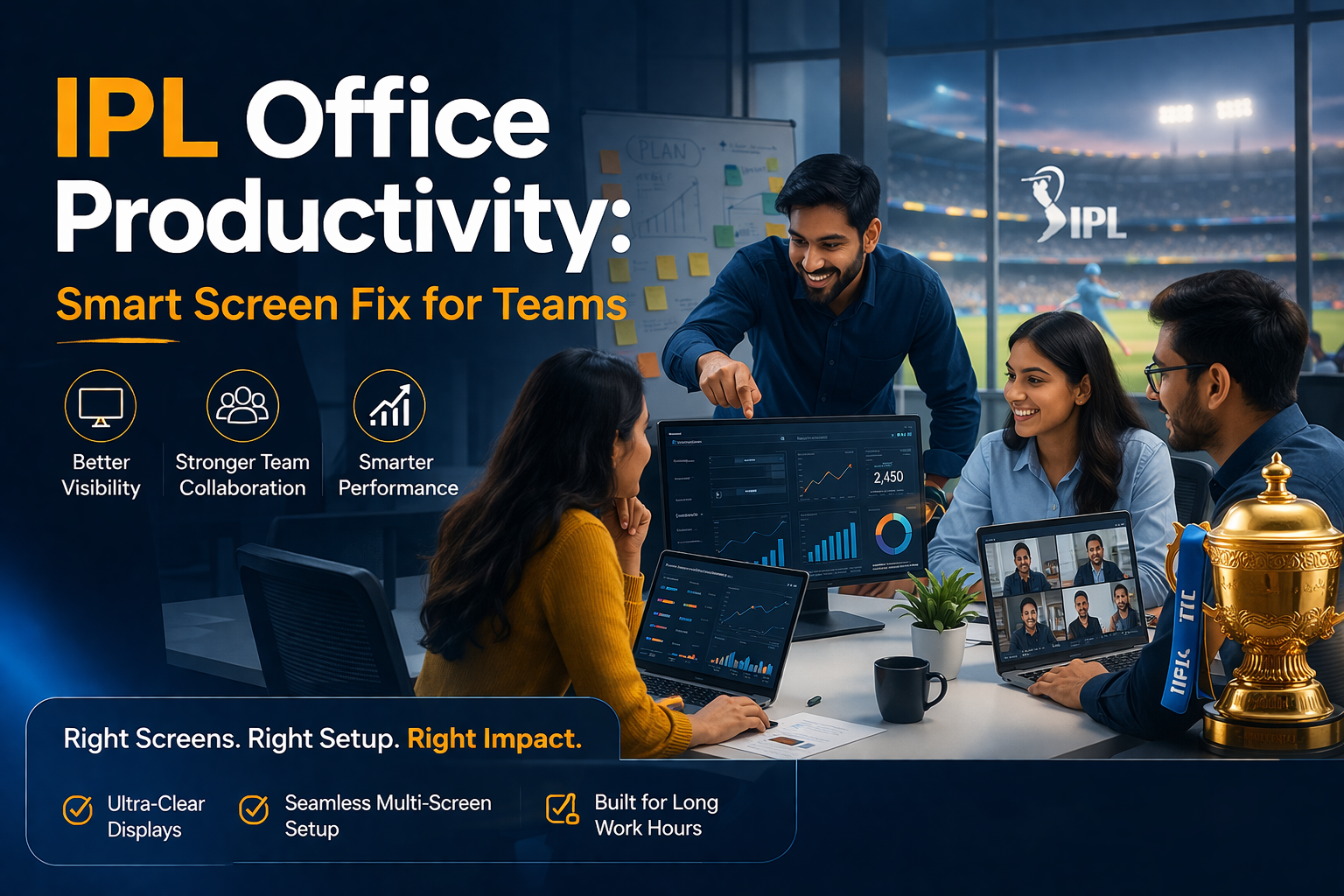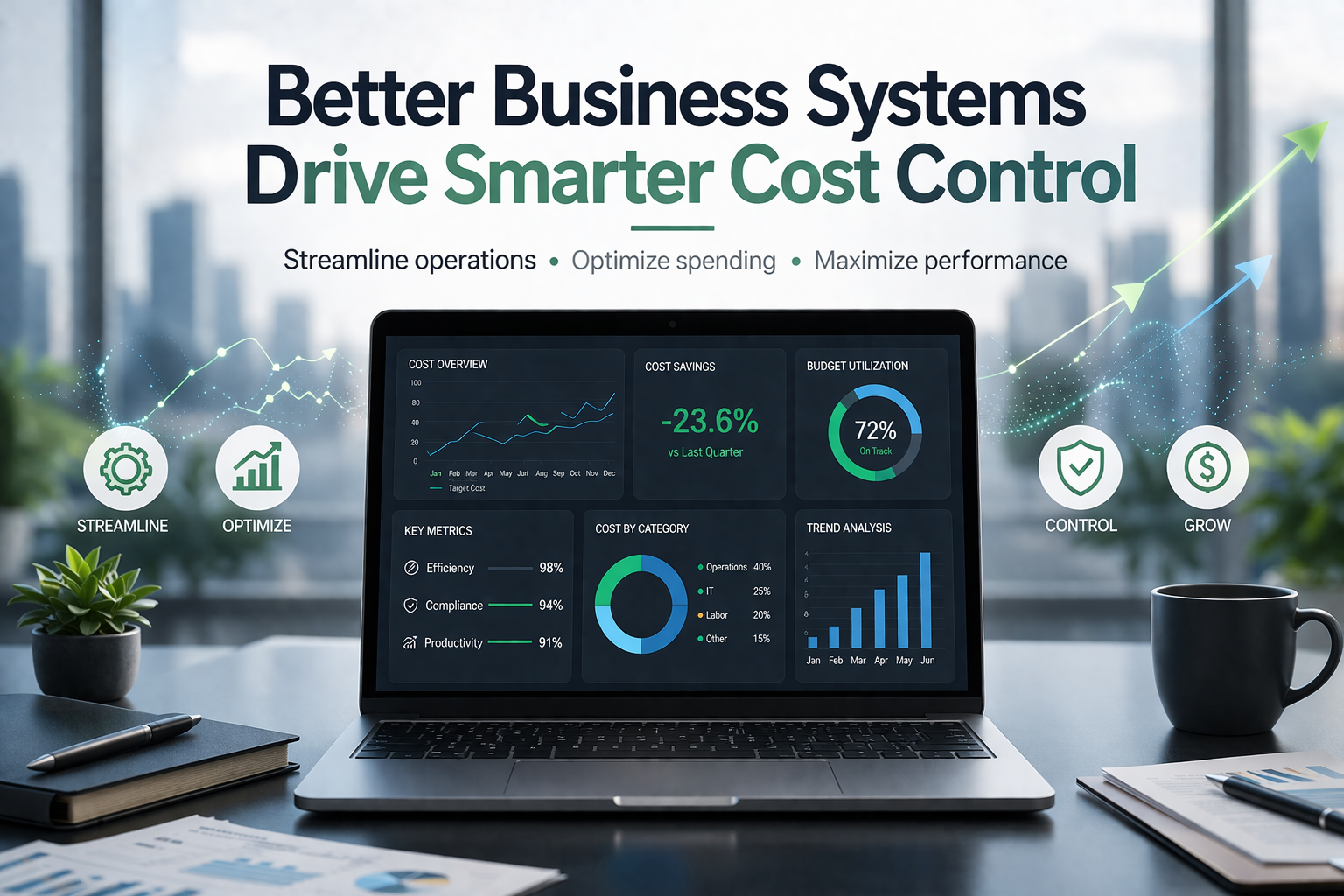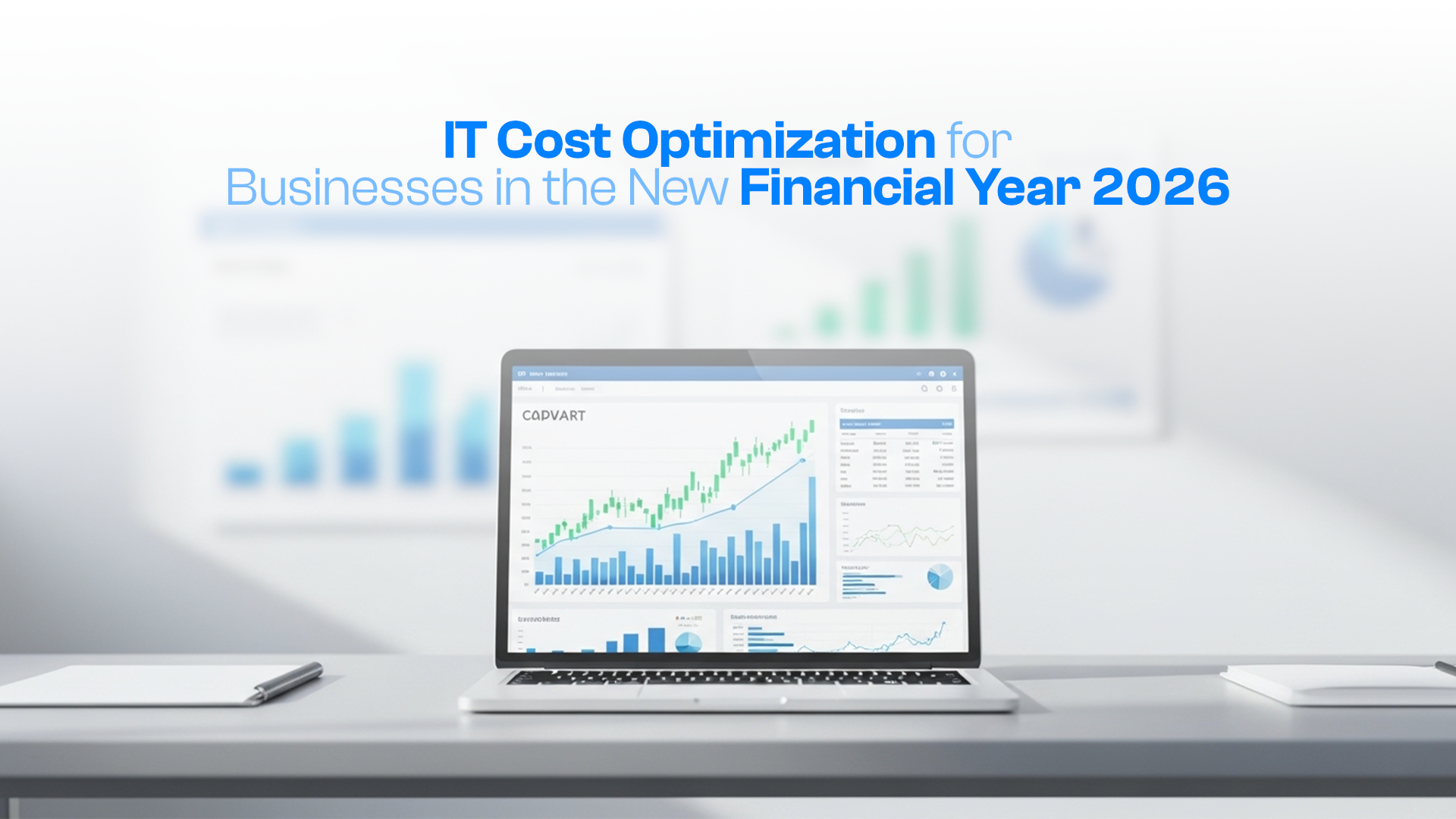

Every year, as the Indian Premier League begins, energy levels rise—not just in stadiums, but across offices too. Conversations shift, notifications spike, and screens often carry more than just work—directly impacting IPL office productivity across teams.
Productivity dips every IPL season… and most businesses already know it.
However, the issue isn’t about employees losing discipline. Instead, it’s about how work environments fail to adapt. Teams are expected to stay focused while juggling match updates, chats, and deadlines—all on the same screen.
That’s where IPL office productivity becomes a real concern for decision-makers.
Why IPL Office Productivity Drops More Than Expected
During IPL season, the workday doesn’t stop—but attention gets divided.
Employees are not disengaged. In fact, they are highly active—just not always on work tasks.
Here’s what typically happens:
- Constant score checking during work hours
- Streaming matches in the background
- Slack, WhatsApp, and internal discussions about games
- Frequent task switching between work and entertainment
As a result, office productivity during IPL declines—not because of lack of effort, but because of fragmented attention.
The Real Problem Behind IPL Office Productivity Loss

At first glance, IPL seems like the distraction.
However, the real issue is deeper.
Most workplaces still rely on single-screen setups, which create a forced overlap between work and non-work activities.
When everything happens on one screen:
- Work gets interrupted frequently
- Context switching becomes inefficient
- Focus breaks take longer to recover
Therefore, the decline in IPL office productivity is not caused by cricket—it’s caused by how work is structured.
Single Screen Limitation: The Biggest Productivity Bottleneck
A single screen forces employees to constantly switch between tabs, windows, and tasks.
During IPL, this becomes even more problematic.
Instead of working alongside distractions, employees end up working through them.
Key limitations include:
- Reduced visibility of tasks
- Slower workflow execution
- Increased cognitive load
- Frequent interruptions
Consequently, office productivity during IPL suffers because systems are not built to handle real-world behavior.
Rethinking IPL Office Productivity with Better Work Systems
Rather than restricting IPL access, forward-thinking companies adjust their work environments.
They understand that:
- Distractions are inevitable
- Productivity depends on system design
- Better setups create better outcomes
So instead of fighting distractions, they separate workflows intelligently.
This is where screen setups play a critical role.
How Dual Screens Improve IPL Office Productivity
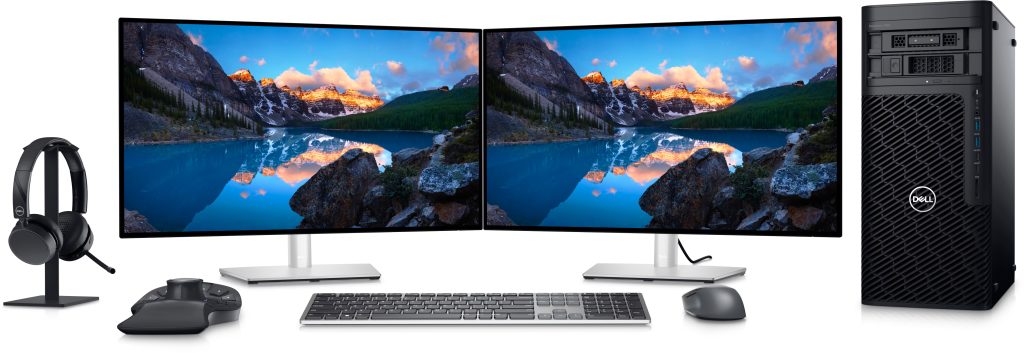
A dual-screen setup allows employees to divide attention without losing efficiency.
For example:
- One screen for work tasks
- One screen for communication or live updates
This simple separation creates a major shift.
Benefits include:
- Reduced tab switching
- Faster task completion
- Better focus retention
- Controlled multitasking
As a result, IPL office productivity improves—not because distractions disappear, but because they are managed better.
Bigger Screens, Better Visibility, Stronger Workflow Control
In addition to dual monitors, larger screens significantly enhance usability.
Employees can:
- View multiple applications simultaneously
- Reduce scrolling and switching
- Maintain workflow continuity
Especially for roles like:
- Developers
- Designers
- Analysts
- Operations teams
Larger screens lead to:
- Higher output per hour
- Lower error rates
- Better decision-making
Thus, improving office productivity during IPL becomes less about control and more about enabling efficiency.
Managing Workflow Without Restricting IPL Engagement
Many companies attempt to block distractions.
However, this often leads to:
- Reduced morale
- Hidden workarounds
- Lower engagement
Instead, a smarter approach is:
- Allow limited flexibility
- Provide structured work environments
- Enable better screen setups
This way, teams stay engaged without compromising performance.
And importantly, IPL office productivity remains stable even during peak match days.
The Cost of Ignoring IPL Office Productivity Challenges
Every distraction has a cost—even if it’s not immediately visible.
Consider this:
- A 10% productivity drop across a team
- Delays in project timelines
- Reduced output during peak business periods
Now compare that with:
- The cost of adding monitors
- The cost of improving setups
The difference is significant.
In most cases, the cost of lost productivity exceeds the cost of better infrastructure.
CAPEX vs OPEX: Smarter Way to Handle Productivity Investments
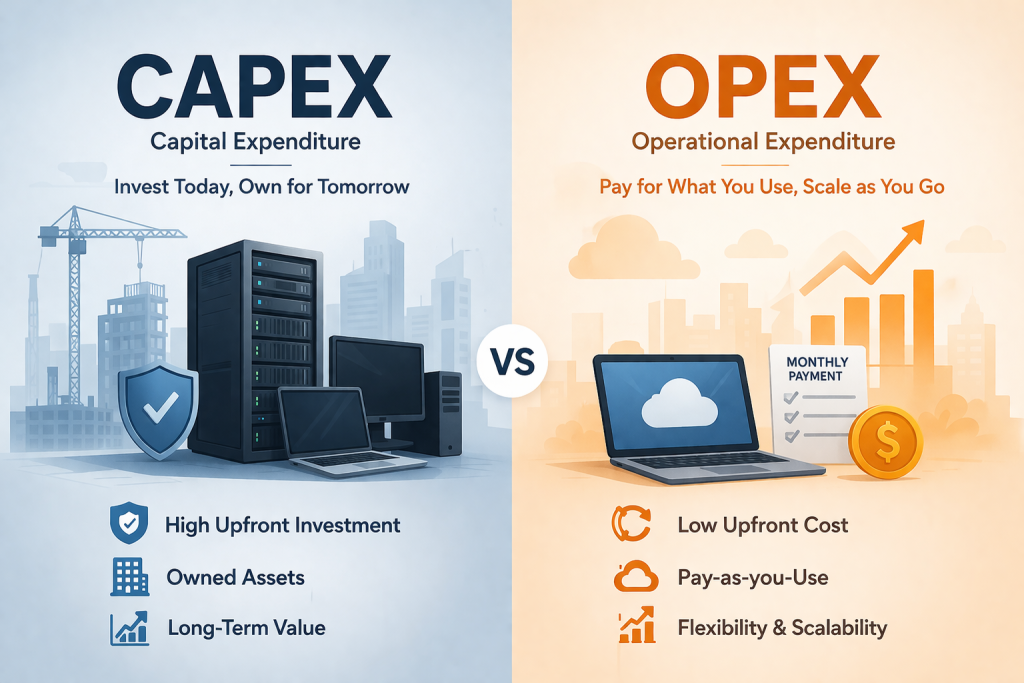
Traditionally, companies invest in IT infrastructure through CAPEX.
However, modern businesses are shifting toward OPEX models.
Instead of buying devices upfront:
- They rent equipment
- They scale as needed
- They avoid heavy capital investment
This approach offers:
- Flexibility
- Faster deployment
- Better cash flow management
So when improving IPL office productivity, businesses no longer need to think in terms of large upfront costs.
Enabling Teams with Flexible IT Infrastructure
Today’s teams are dynamic.
They scale up, work remotely, and operate across locations.
Therefore, IT infrastructure must also be flexible.
Rental-based models allow companies to:
- Add screens quickly
- Upgrade setups without delays
- Avoid long procurement cycles
This becomes especially useful during seasonal productivity dips like IPL.
Supporting Productivity Without Disrupting Work Culture
A rigid work culture often fails during high-distraction periods.
On the other hand, adaptive companies:
- Accept behavioral patterns
- Design systems accordingly
- Focus on outcomes rather than restrictions
By doing so, they maintain both:
- Employee satisfaction
- Business performance
And importantly, they sustain office productivity during IPL without friction.
Related Queries & Common Questions
### How does IPL affect office productivity in India?
IPL creates a high-engagement environment where employees frequently check updates, discuss matches, and multitask. As a result, attention gets divided, leading to reduced focus and slower work output.
### What is the best way to maintain IPL office productivity?
Instead of restricting access, companies should improve work setups. Dual screens, better monitors, and structured workflows help employees manage both work and distractions efficiently.
### Does a dual monitor setup really improve productivity?
Yes, dual monitors reduce task switching and improve workflow visibility. Employees can handle multiple tasks simultaneously without losing context, which directly improves efficiency.
### Why single screens reduce productivity during IPL season?
Single screens force employees to switch between tasks constantly. During IPL, this becomes more frequent, causing interruptions, delays, and reduced output.
### What are cost-effective ways to improve office productivity during IPL?
Businesses can opt for flexible IT solutions like renting monitors or laptops instead of purchasing them. This reduces upfront investment while improving team efficiency.
### Where can businesses rent laptops and monitors for better productivity?
Businesses looking to upgrade their work setup without heavy upfront costs can explore solutions from platforms like IndiaRENTALZ, which offers flexible IT rental services across India with fast deployment and scalable options.
Conclusion: Build Systems That Work Even During IPL
IPL season is not a productivity problem—it’s a reality.
The real difference lies in how businesses respond.
Companies that rely on outdated setups struggle.
Companies that invest in better systems adapt and perform.
Instead of trying to control behavior, the smarter move is to:
- Improve screen setups
- Enable better workflows
- Adopt flexible infrastructure
Because in the end:
Teams don’t need restrictions. They need better systems.
Now is the right time to upgrade your setup—before productivity drops further.