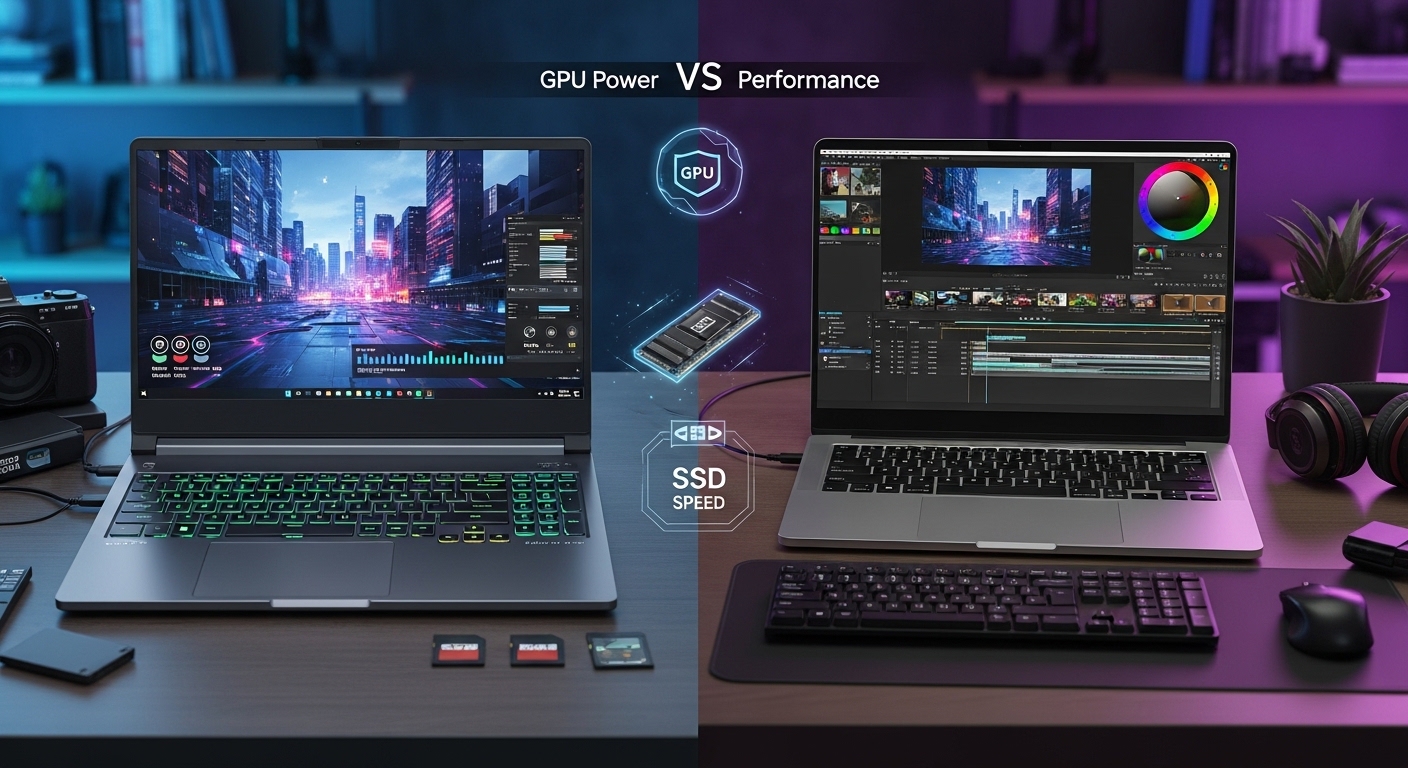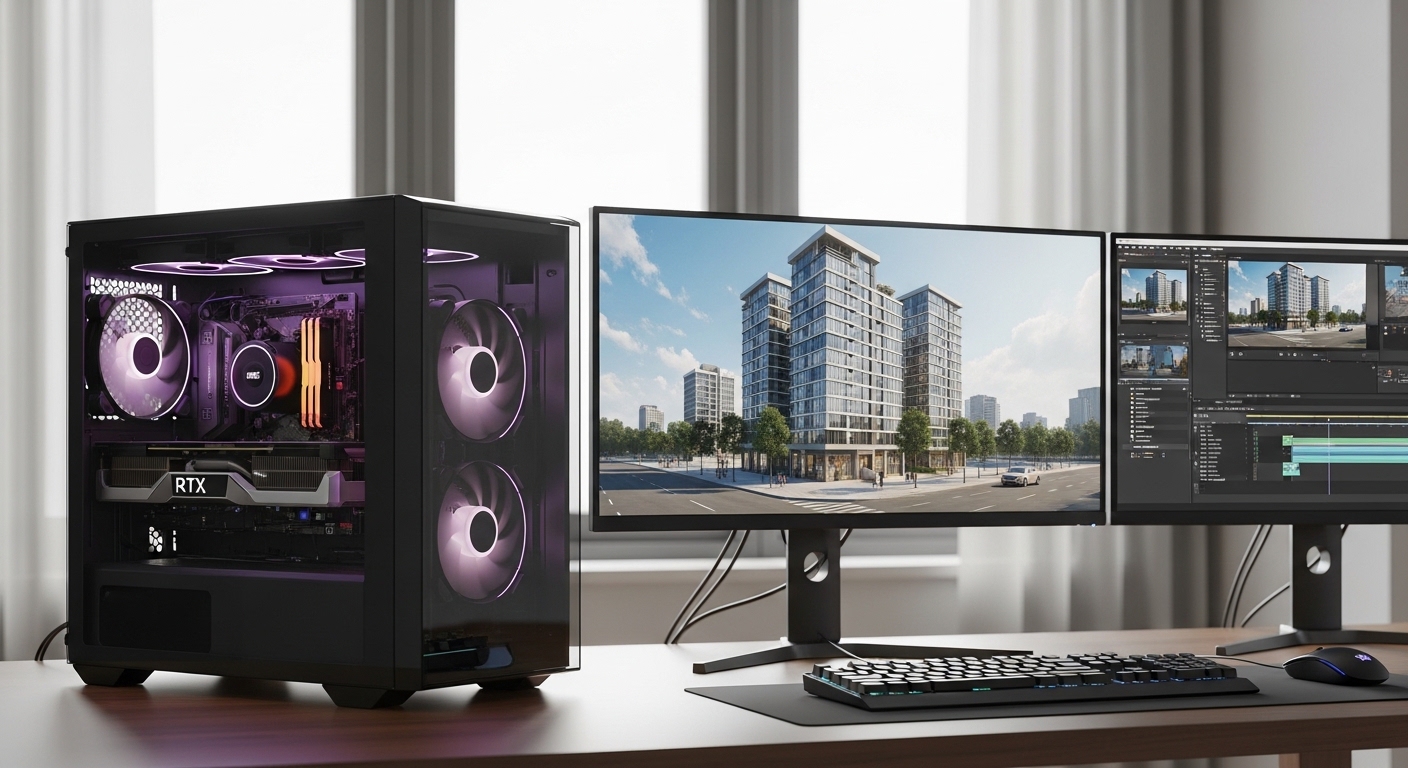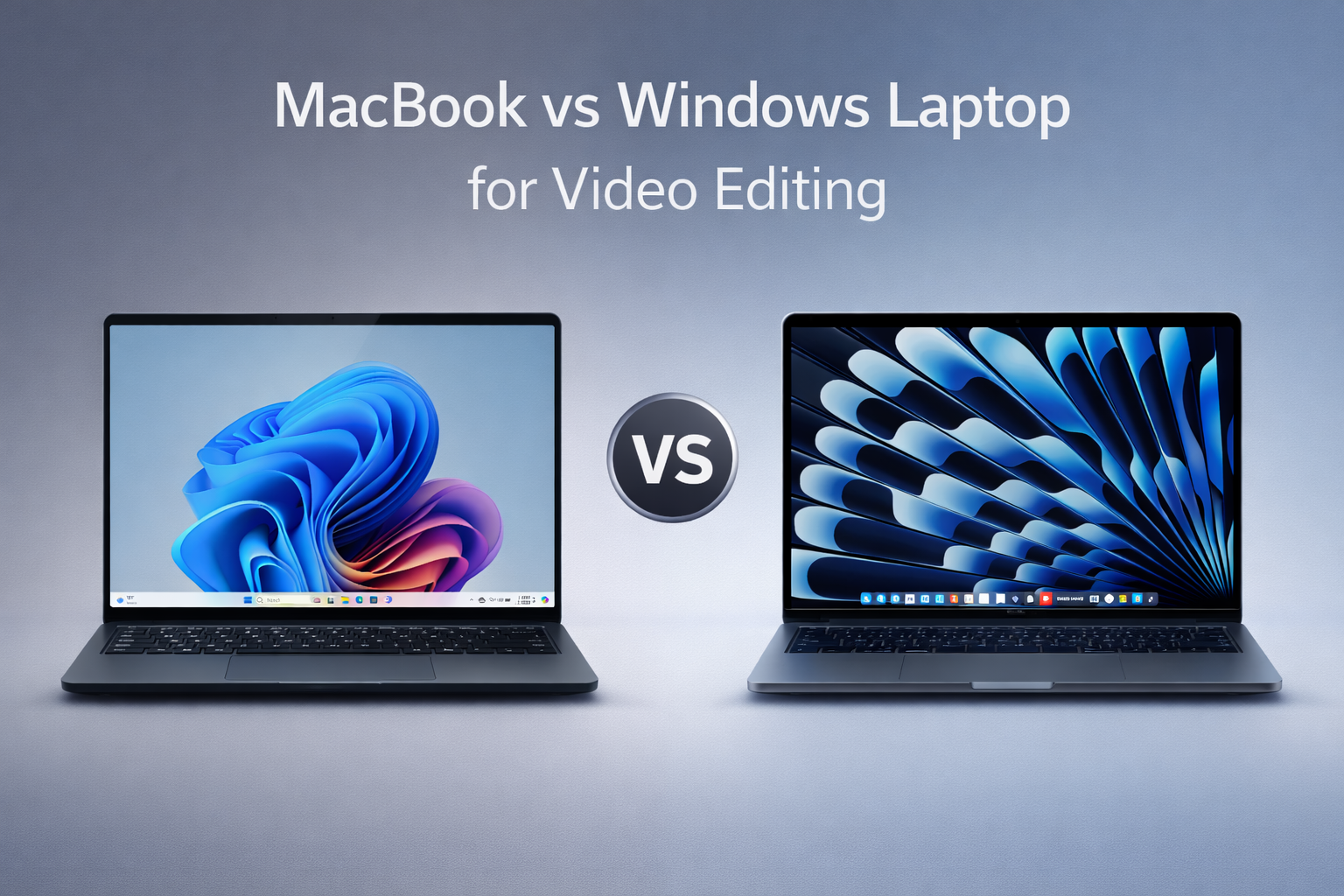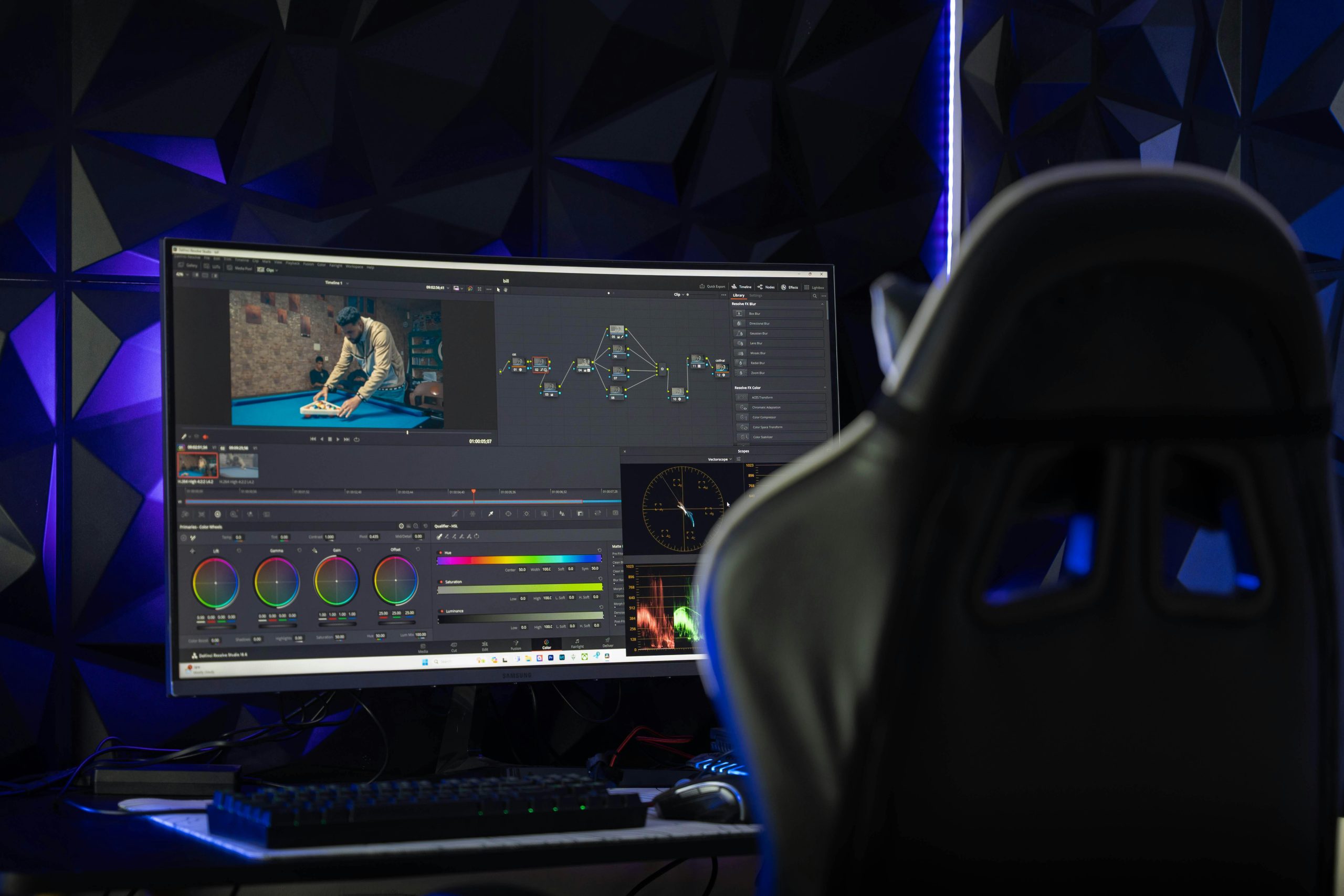
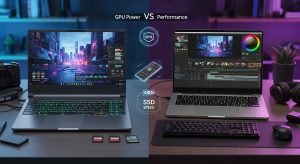
Modern video editing requires powerful computing hardware. Editors working with professional tools like Premiere Pro, DaVinci Resolve, and After Effects regularly process massive files, complex timelines, and high-resolution footage. Because of this, choosing the right machine becomes a crucial step in maintaining productivity and creative flow. This is why many professionals compare a Gaming vs Creator Laptop to understand which system can better handle demanding editing workloads.
One of the most common comparisons professionals explore today is Gaming vs Creator Laptop performance. At first glance, both types of laptops offer high-end processors, strong graphics cards, and fast storage. However, the way these systems handle sustained creative workloads can vary significantly.
For video editors handling 4K or even 8K workflows, the requirements go beyond raw performance. Rendering requires GPU power, large projects require high RAM capacity, and real-time preview demands dedicated graphics acceleration. At the same time, high-speed SSD storage ensures smooth file access and faster project loading.
Therefore, understanding the differences in a Gaming vs Creator Laptop setup helps editors choose the right machine for professional editing environments. Whether the user is a motion graphics designer, animator, VFX artist, or part of a media production studio, the right hardware directly affects workflow efficiency.
Understanding the Core Idea Behind Gaming vs Creator Laptop Systems
When professionals compare a Gaming vs Creator Laptop, they often assume both systems behave similarly because they share powerful hardware components. While this assumption is partly true, their design priorities differ.
Gaming laptops focus primarily on delivering high frame rates and strong graphics performance for modern games. As a result, manufacturers emphasize powerful GPUs, aggressive cooling systems, and high refresh rate displays.
Creator laptops, on the other hand, focus on sustained performance and color-accurate displays designed for professional content creation. These machines prioritize stability during long rendering sessions and optimize drivers for creative software.
Because of these differences, the Gaming vs Creator Laptop discussion becomes particularly relevant for editors working on complex video projects.
Performance Expectations in Gaming vs Creator Laptop Workflows
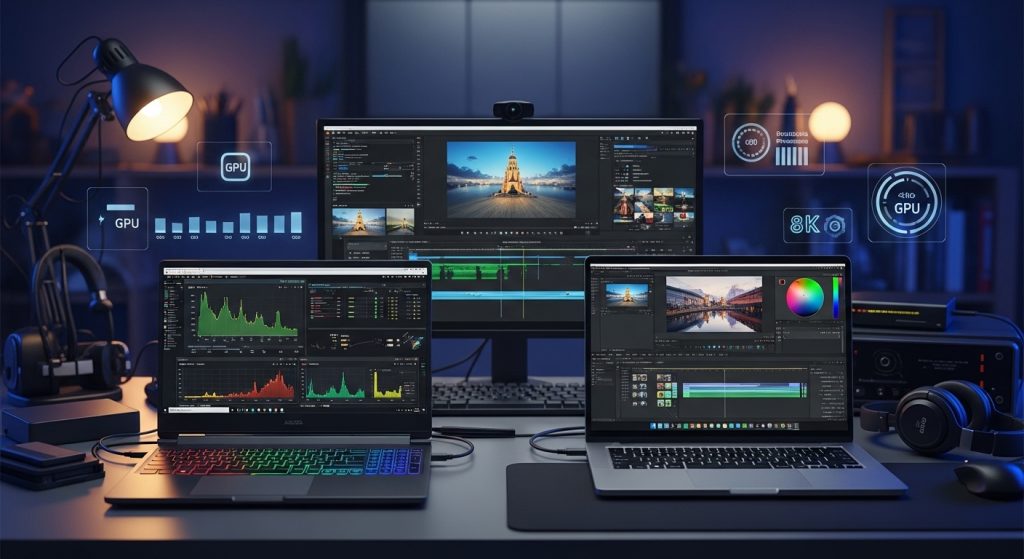
Professional editing workflows require consistent computing power. When evaluating a Gaming vs Creator Laptop, the focus should shift from simple hardware specs to real editing performance.
Video editing software places simultaneous demands on several components:
• CPU for encoding and processing
• GPU for rendering and effects
• RAM for managing multiple assets
• SSD storage for fast file access
For editors working with large video timelines, these resources must work together efficiently. If one component becomes a bottleneck, the entire editing workflow slows down.
Because of this, the Gaming vs Creator Laptop comparison should consider overall system balance rather than a single hardware feature.
GPU Power Requirements in Gaming vs Creator Laptop Editing
Graphics processing power plays a major role in editing performance.
When comparing a Gaming vs Creator Laptop, GPUs often become the most noticeable difference. Gaming laptops usually feature powerful graphics cards designed to handle visually demanding games. These GPUs can also perform very well in editing applications.
However, creator laptops often use GPU drivers optimized for professional creative workloads. These drivers ensure better compatibility with editing software and stable performance during rendering tasks.
GPU acceleration improves several aspects of editing:
• Faster video rendering
• Real-time effects processing
• Smooth timeline playback
• Efficient color grading
Therefore, GPU capability becomes essential for editors working with advanced editing workflows.
RAM Requirements for Large Video Editing Projects
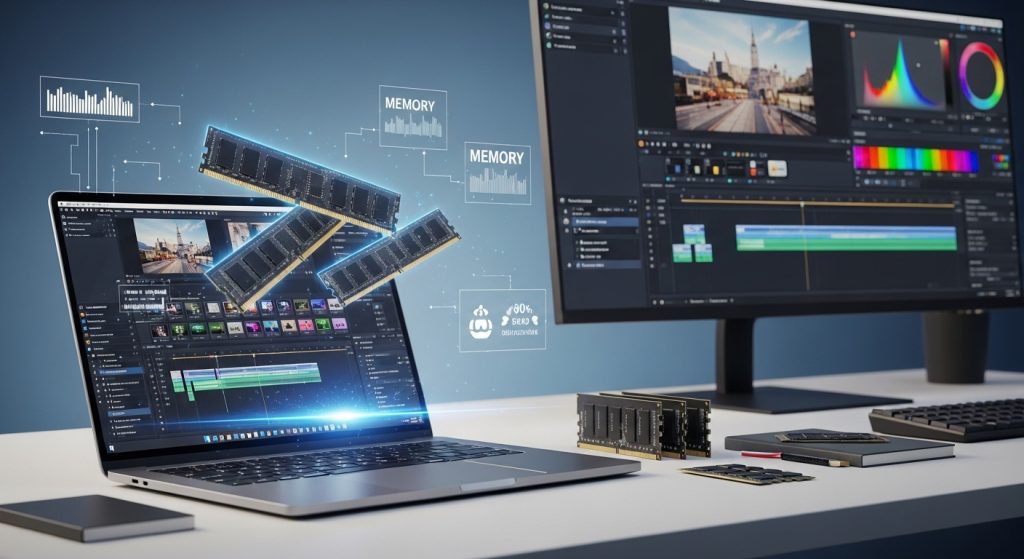
Memory capacity significantly affects the editing experience. When professionals evaluate a Gaming vs Creator Laptop, RAM often becomes a deciding factor.
Video editing software loads multiple files simultaneously. These may include video footage, preview files, audio tracks, effects layers, and motion graphics elements.
Because of this, memory requirements increase quickly.
Typical RAM recommendations include:
• 16GB RAM for beginner editing projects
• 32GB RAM for professional editing workflows
• 64GB RAM for complex VFX and 8K editing
Creator laptops often provide higher RAM configurations and easier upgrade options. Meanwhile, gaming laptops may prioritize GPU power instead of maximum memory capacity.
As a result, editors working with large projects should carefully evaluate RAM support when choosing between a Gaming vs Creator Laptop.
SSD Storage Speed and Its Impact on Editing Workflows
Storage speed directly influences editing efficiency. Large video files require fast read and write speeds, especially when working with high-resolution footage.
In the Gaming vs Creator Laptop comparison, SSD performance becomes critical for several reasons.
Fast NVMe SSDs help improve:
• Project loading times
• Timeline responsiveness
• Media cache generation
• Video export speeds
Editing projects often include hundreds of gigabytes of data. Slow storage systems can create delays when accessing footage or generating previews.
Creator laptops frequently include multiple SSD slots, allowing editors to manage separate drives for operating systems, project files, and media storage.
Display Quality Differences in Gaming vs Creator Laptop Devices
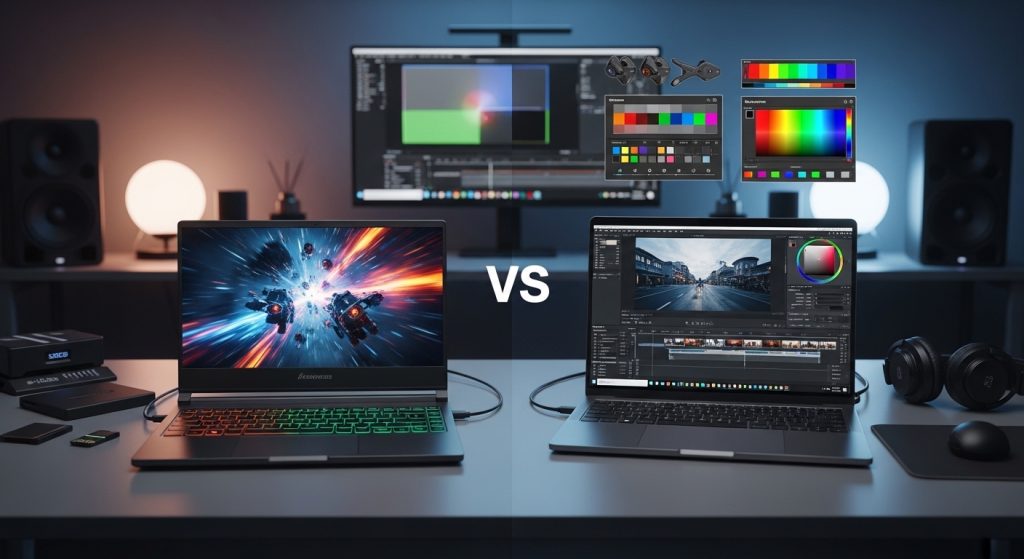
Display quality plays an important role in professional editing environments.
While gaming laptops often feature high refresh rate screens, creator laptops prioritize color accuracy and display calibration.
Editors performing color correction or grading require displays capable of reproducing accurate colors. Professional displays commonly support standards such as:
• sRGB
• AdobeRGB
• DCI-P3
Because visual accuracy is essential in post-production workflows, creator laptops often provide displays better suited for editing tasks.
This difference becomes particularly important when evaluating a Gaming vs Creator Laptop for professional media production.
Thermal Stability During Long Rendering Sessions
Video rendering can take several hours depending on project complexity. During this time, the laptop must maintain stable performance without overheating.
When comparing a Gaming vs Creator Laptop, cooling systems become an important consideration.
Gaming laptops often include powerful cooling systems designed for intense but short bursts of performance. Meanwhile, creator laptops focus on sustained performance stability.
Consistent thermal management helps prevent:
• CPU throttling
• GPU performance drops
• Rendering interruptions
Because editing workflows often involve long rendering sessions, stable cooling design becomes essential.
Connectivity Options for Professional Editing Setups
Professional editing environments typically involve multiple external devices. Editors frequently connect external displays, storage drives, capture devices, and audio equipment.
When evaluating a Gaming vs Creator Laptop, connectivity options play a major role in workflow flexibility.
Creator laptops often include features such as:
• Thunderbolt ports
• SD card readers
• Multiple display outputs
• High-speed USB connectivity
These options help integrate the laptop into professional editing workstations used by media studios and production teams.
Selecting the Best Laptop for Video Editing Based on Workflow
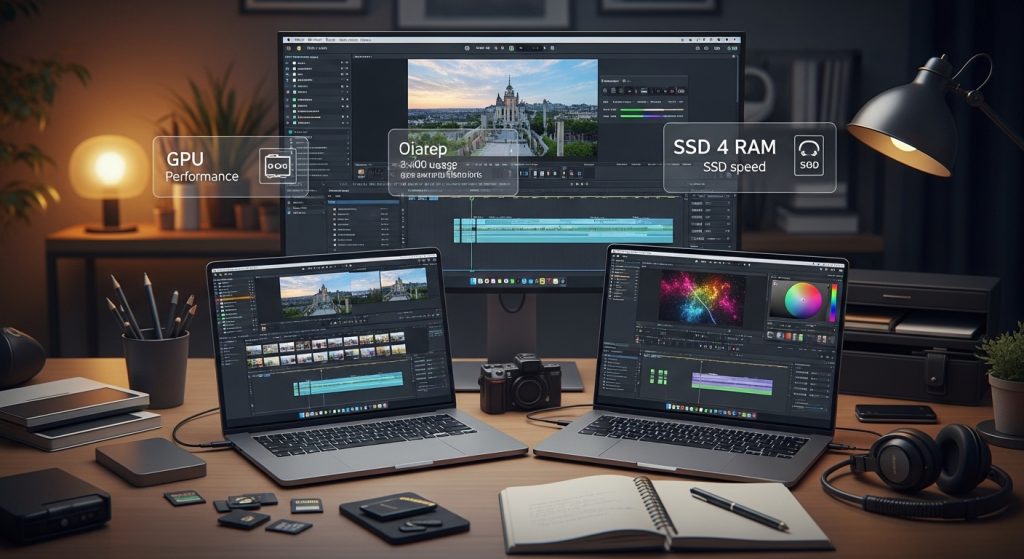
The Best laptop for video editing depends heavily on the user’s specific editing workflow.
A well-balanced editing system typically includes:
• High-performance processor
• Dedicated GPU
• 32GB or more RAM
• Fast NVMe SSD storage
• Color-accurate display
Gaming laptops may offer excellent graphics performance at competitive prices. However, creator laptops often deliver better display accuracy and optimized performance for creative software.
Therefore, choosing the best laptop depends on whether the editor prioritizes GPU performance, color accuracy, or long-term workflow stability.
Real-World Usage Scenarios for Gaming vs Creator Laptop Users
Understanding real-world editing scenarios helps clarify the Gaming vs Creator Laptop comparison.
Gaming laptops often work well for:
• Freelance editors
• Content creators producing online videos
• Motion graphics artists needing strong GPU acceleration
Creator laptops may be better suited for:
• Professional editing studios
• Film production environments
• Animation and VFX teams
• Post-production departments
Both systems can support editing workflows. However, their strengths differ depending on the type of work being performed.
Related Queries and Common Questions
Is a Gaming vs Creator Laptop comparison useful for video editors?
Yes, understanding the Gaming vs Creator Laptop comparison helps editors identify which system better supports their workflow. Gaming laptops typically provide strong GPU performance, while creator laptops focus on display accuracy, memory capacity, and optimized drivers for editing applications. This comparison allows professionals to select hardware that improves editing efficiency.
What specifications matter most when choosing the best laptop for video editing?
The most important specifications include GPU performance, RAM capacity, and storage speed. Video rendering relies heavily on GPU acceleration, while large editing projects require sufficient memory. In addition, NVMe SSD storage ensures fast file access and smooth timeline playback.
Why is GPU power important in professional editing?
Modern editing software uses GPU acceleration to process effects, color grading, and timeline previews. A powerful dedicated GPU allows editors to render projects faster and preview changes in real time. Without sufficient GPU power, complex timelines may experience lag during playback.
How much RAM is required for editing 4K or 8K video?
For professional editing workflows, 32GB RAM is typically recommended. However, projects involving heavy effects or 8K footage may require 64GB RAM to maintain smooth playback and rendering performance.
Where can professionals rent high-performance laptops for video editing?
Many production teams prefer renting powerful laptops instead of purchasing expensive systems. Renting allows studios to scale their hardware depending on project requirements.
Companies such as IndiaRENTALZ provide high-performance laptops suitable for editing workflows. These systems often include powerful GPUs, large RAM capacities, and fast SSD storage designed for demanding video production environments.
Conclusion
Choosing between a Gaming vs Creator Laptop depends largely on editing requirements and workflow priorities.
Gaming laptops offer strong GPU performance and competitive pricing, making them suitable for many creative professionals. Meanwhile, creator laptops focus on color accuracy, workflow stability, and optimized performance for editing software.
Ultimately, video editors should evaluate GPU capability, RAM capacity, SSD speed, and thermal stability before selecting the right system.
By understanding these factors, editors, production studios, and creative teams can choose hardware that improves productivity and supports demanding editing workflows.